77
5.9.2 How to Restore the Factory Default IP Address of the NVS-40
Note: This function can be supported only for the version 1.4.3 or later firmware.
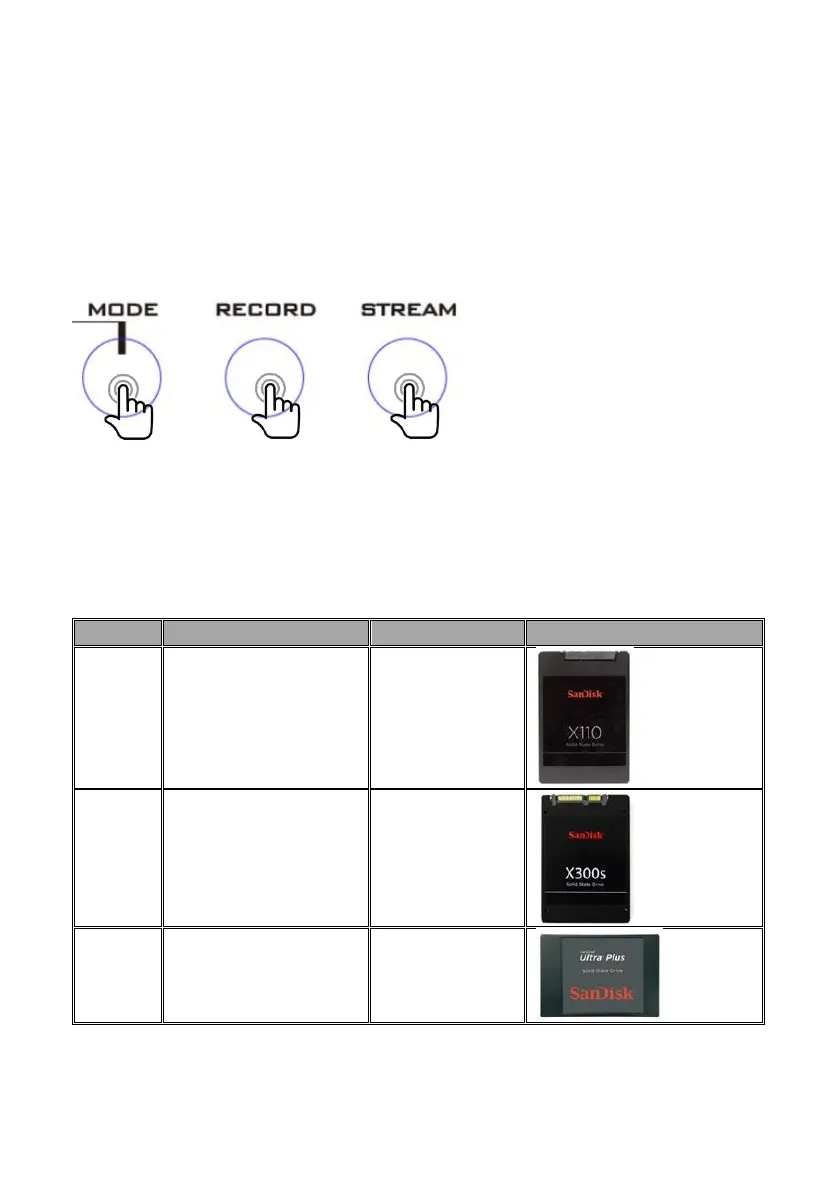
The function is effective only when pressing three buttons including MODE, RECORD
and STEAM buttons simultaneously when the NVS-40 is powering on.
Please press the MODE, RECORD and STREAM buttons on the front panel of the NVS-
40 simultaneously when the NVS-40 is powering on and then the IP address of the
NVS-40 will be restored to factory default value: 192.168.1.200
5.9.3 The Recommended SSDs for the NVS-40
Please see following table for the recommended SSDs which can be used in the NVS-
40 for users’ reference.



 To Next Page