79
5.10 Status
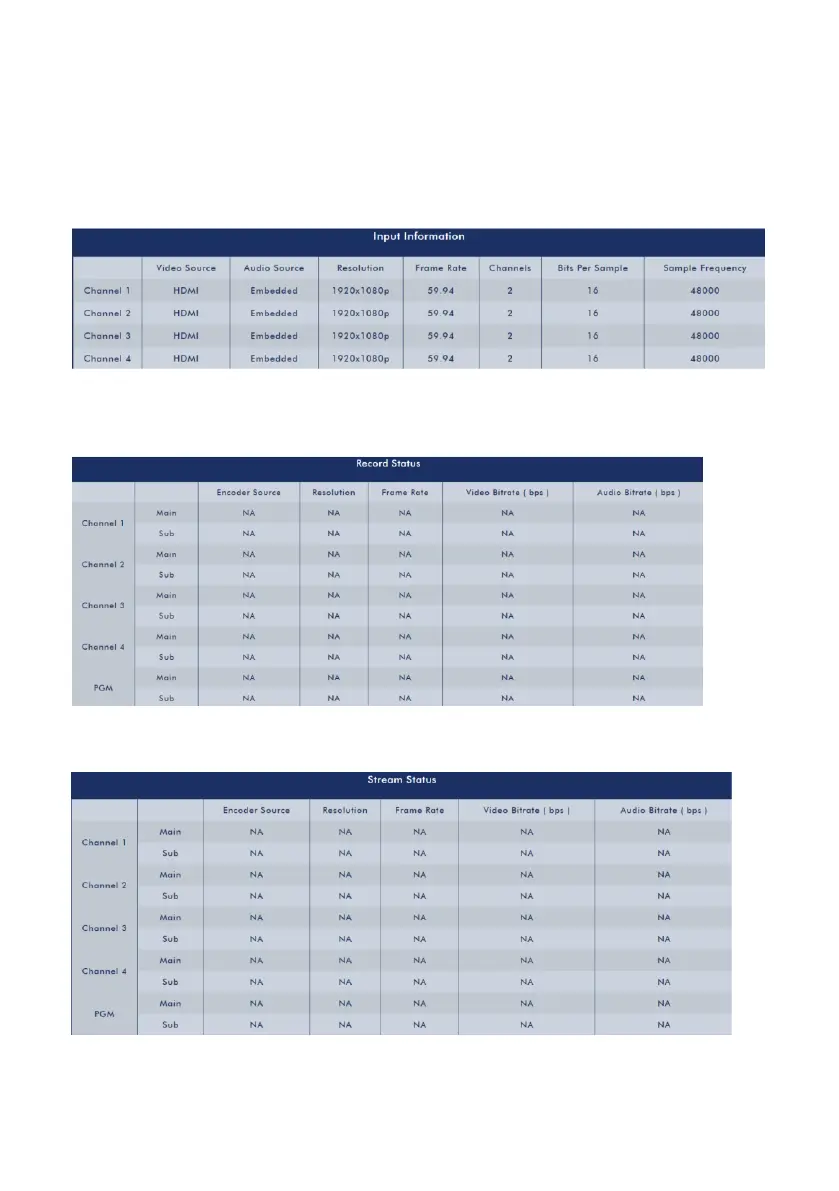
After pressing the Status option on the menu bar of the web UI, users can see the
Status control page. The Status control interface provides details for following items.
Input Information for Channel 1 to Channel 4
Record Status information for Channel 1 to Channel 4 and PGM
Stream Status for Channel 1 to Channel 4 and PGM



 To Next Page