98
SSD/HDD Enclosure
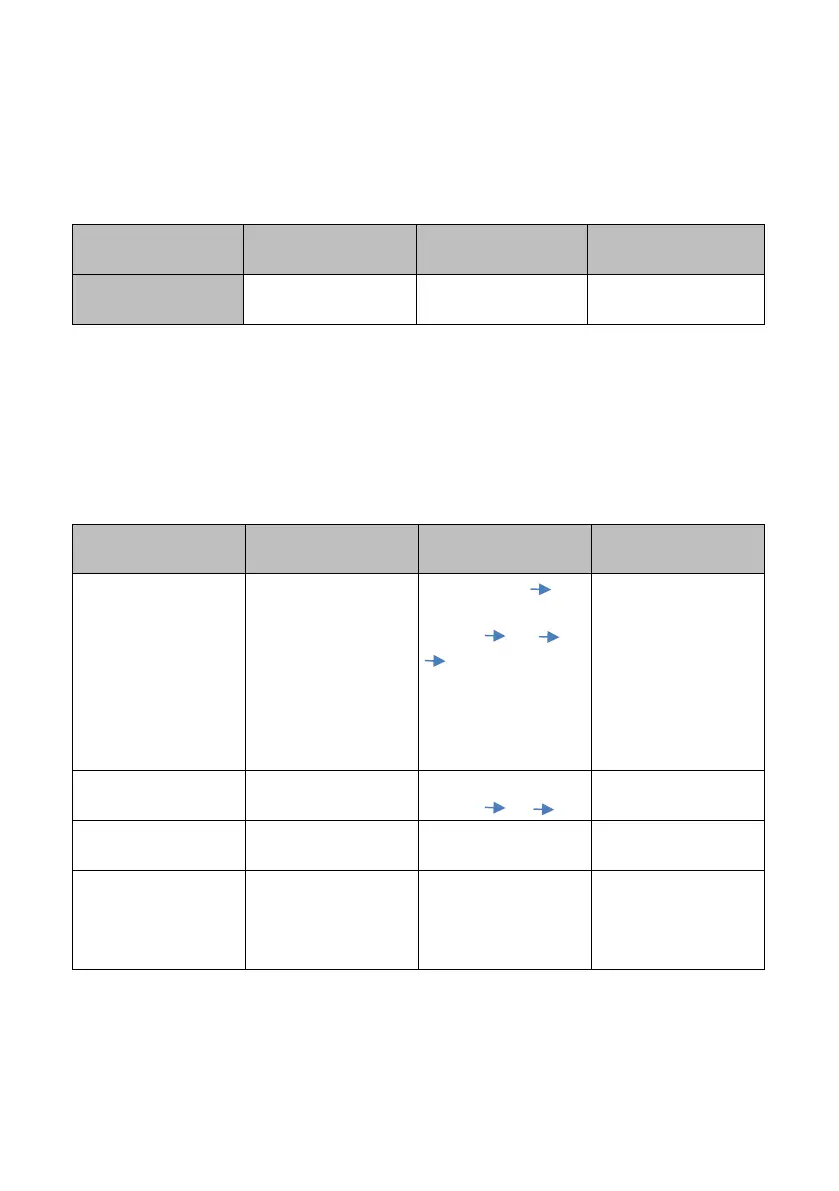
The LED indicator above the SSD/HDD enclosure will flash in green which means the
SSD/HDD is in data accessing. Please refer to following table for the LED indictor
status and behavior of the SSD or HDD.
Appendix 2 NVS-40 Front Panel Buttons Behaviors
There are three buttons on the front panel of the NVS-40 including MODE, RECORD
and STREAM, please refer to following table for the NVS-40 front panel buttons
behaviors.
Stop Stream
Change to next
(HDMI SDI )
Start Stream
1. Streaming LED
will be OFF
2. Interface LED
will be changed
3. Stream LED will
be ON (if there is
a valid source
input.
Change to next
(HDMI SDI )
Interface LED will
be changed.
Hold for 3 seconds
until the Stream
LED is lit up.
Stream LED will be
ON (green)/OFF to
start/stop
streaming.



 To Next Page