EasyManua.ls Logo

Datavideo NVS-40D - Chapter 2 Connections and Controls; Front Panel

Datavideo NVS-40D
100 pages
Print Icon
To Next Page IconTo Next Page
To Previous Page IconTo Previous Page
Loading...
9
Chapter 2 Connections and Controls
2.1 Front Panel
Stream and Recording
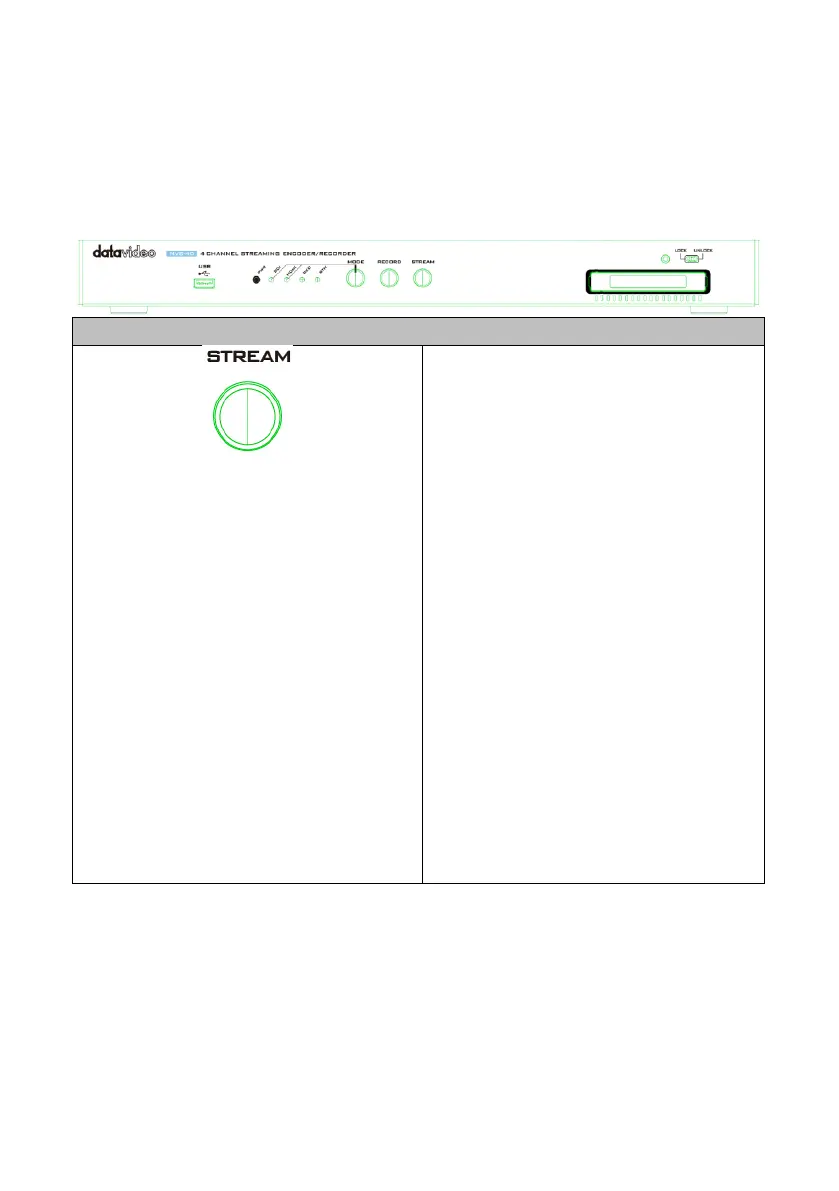
Stream Button
Press this button to activate the
RTMP/RTMPS/RTSP stream and press
again to stop streaming.
Note: Pressing the Stream button
starts the stream for that device only
and this stream button is used when
you want to stream directly through
the NVS-40 device rather than by the
NVS-40 Web UI.


Table of Contents

Related product manuals