10
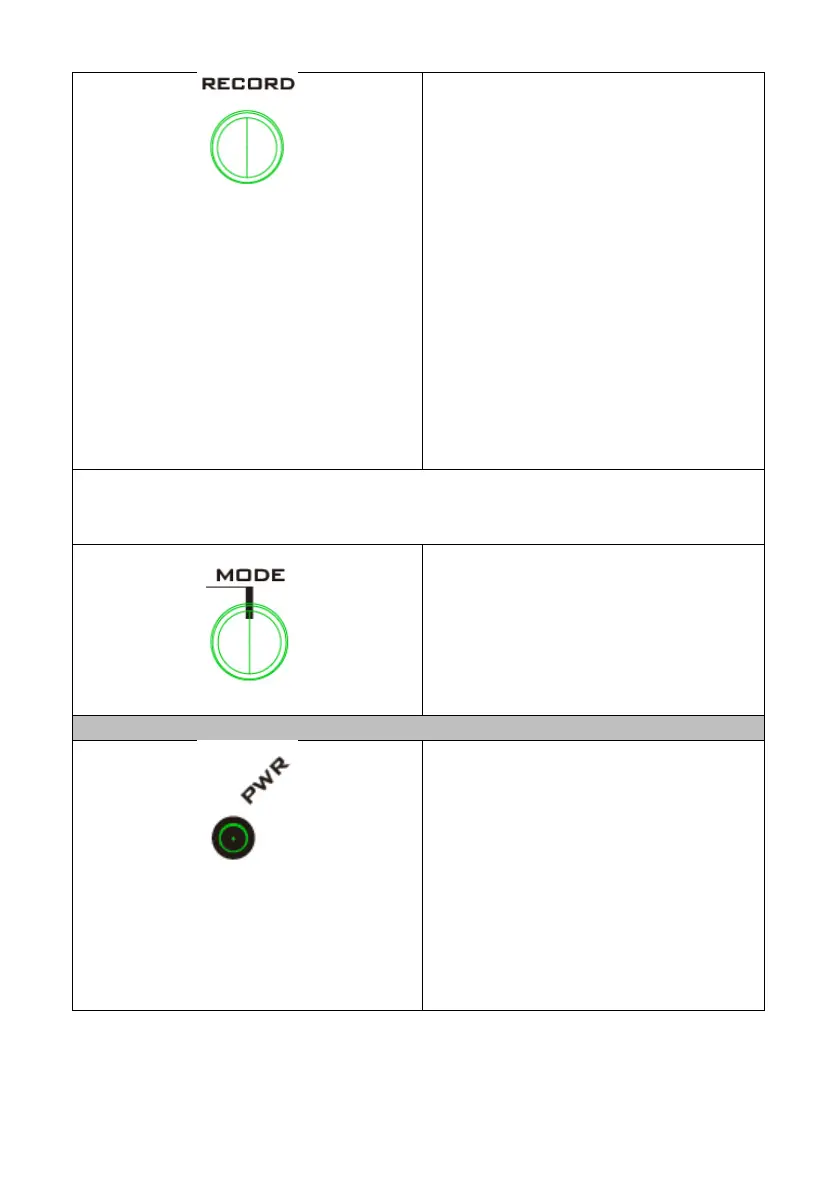
Record Button
Press the Record button to start
recording your input source to the 2.5”
SSD or HDD inserted into the front
panel of the NVS-40. Press the Record
button again to stop the recording.
Note: Pressing the Record button
starts recording for that device only
and this record button is used when
you want to record directly through
the NVS-40 device rather than by the
NVS-40 Web UI.
Note: If you want to start/stop streaming and recording at the same time, press
and hold the Stream and Record buttons and then release them at the same
time. Please pay attention to the LED indicator status after pressing the buttons.
Mode Button
Due to that the first channel of the
video inputs on the rear panel of the
NVS-40 can either be SDI or HDMI,
Press the Mode button to switch
between the SDI and HDMI Mode.
Power LED
The Power LED Indicates the Power
status.
Red LED is On: system reboot/program
initialization
Red LED is Blinking: Error
Green LED is On: system is ready.



 To Next Page