11
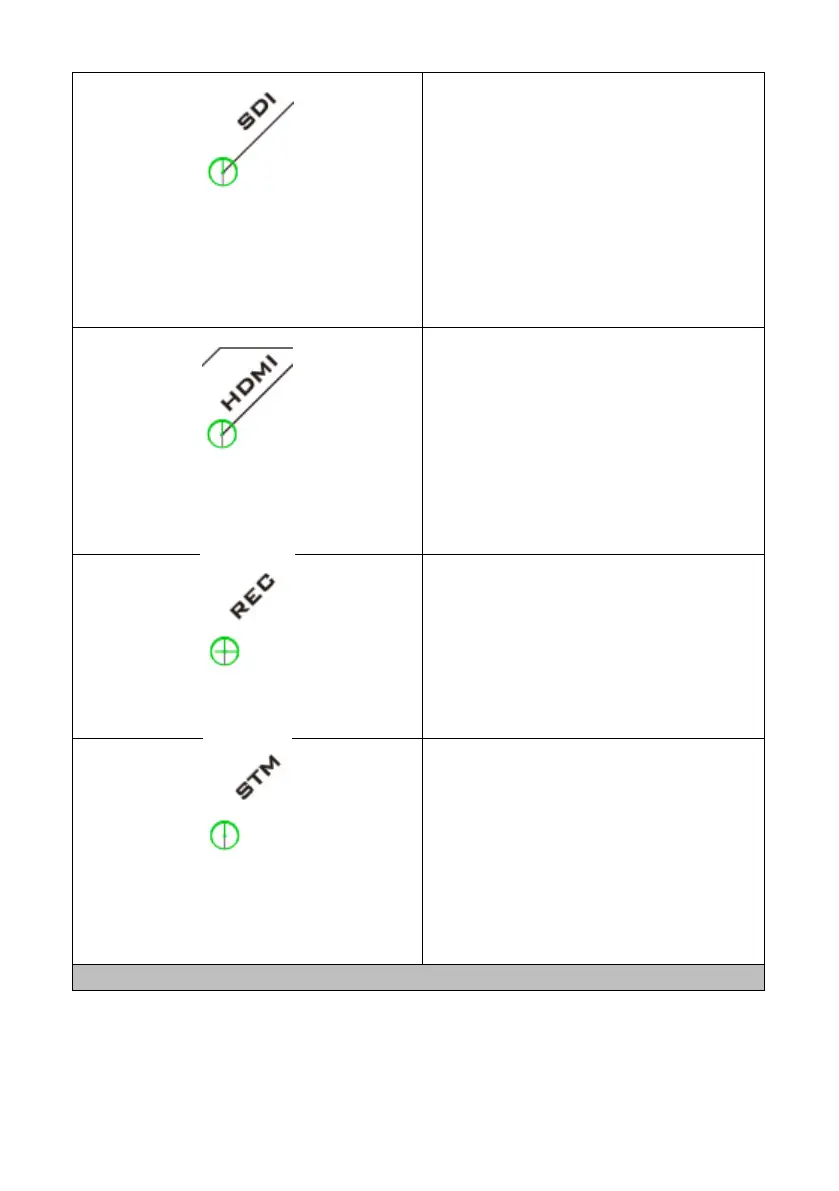
SDI LED
The SDI LED indicates the status of the
first input channel. The first input
channel of the NVS-40 allows either SDI
or HDMI source. If the input for the first
channel is SDI source, this SDI LED will
be lit.
Red LED is Blinking : Error
Green LED is On: Input source is OK.
HDMI LED
The HDMI LED indicates the status of
the first input channel. The first input
channel of the NVS-40 allows either SDI
or HDMI source. If the input for the first
channel is HDMI source, this HDMI LED
will be lit.
Red LED is Blinking : Error
Green LED is On: Input sources are OK.
Record LED
The Record LED indicates whether
current status is in Record Mode or not.
If the NVS-40 operates in Record Mode,
then this Record LED will be lit.
Red LED is Blinking : Error
Green LED is On: Recording is started.
Stream LED
The Stream LED indicates whether
current status is in Stream Mode or not.
If the NVS-40 operates in Stream Mode,
then this Stream LED will be lit.
Red LED is Blinking : Error
Green LED is On: Streaming is started.



 To Next Page