34
5.4 Record
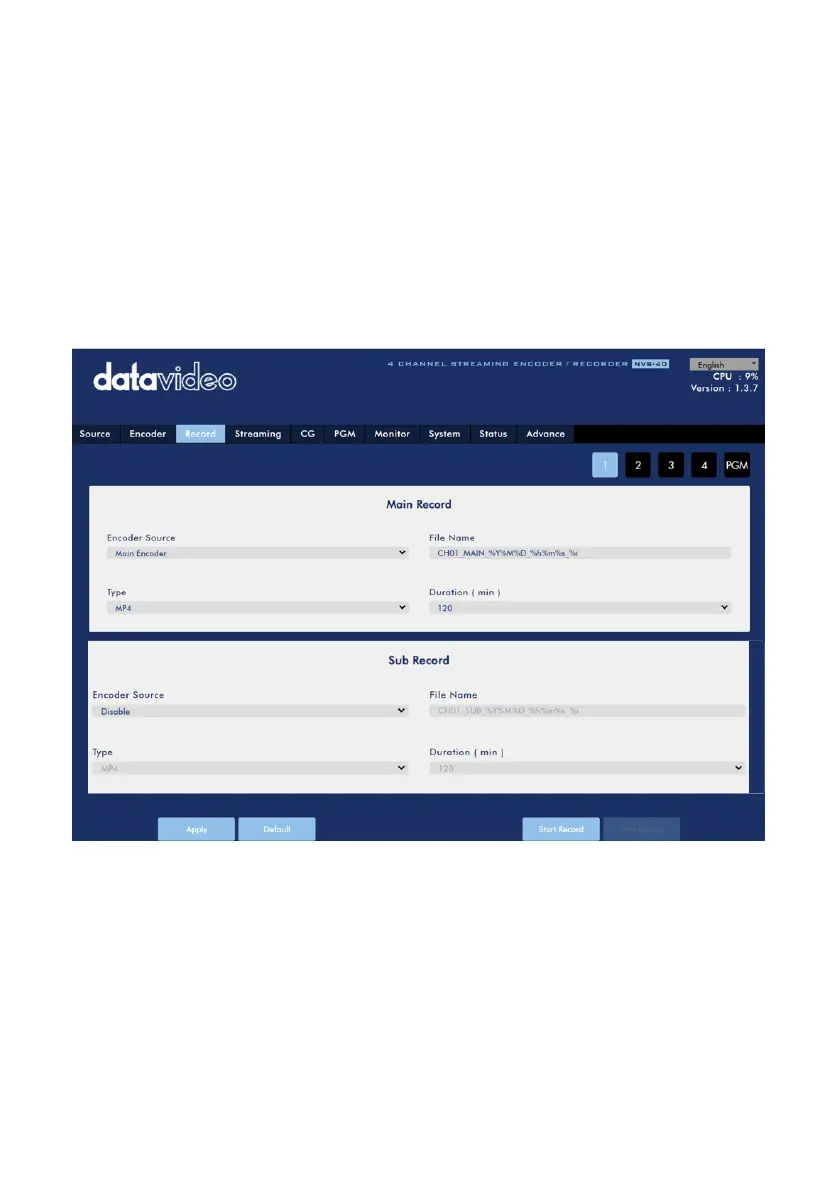
After pressing the Record option from the menu bar of the NVS-40 Web UI, users can
see the Record option control page. There are five tags including tag 1, tag 2, tag 3,
tag 4 and PGM. Each tag includes two Record settings including Main Record and Sub
Record. So, it means that users can record up to 10 video sources with different
codings and video formats. After the setting is completed, users can press the “Start
Record” or “Stop Record” button to start or stop the video recording. When the
Advance Mode is activated and the REC LED indicator is flickering in red, it means
that the recording function can not be used.



 To Next Page