55
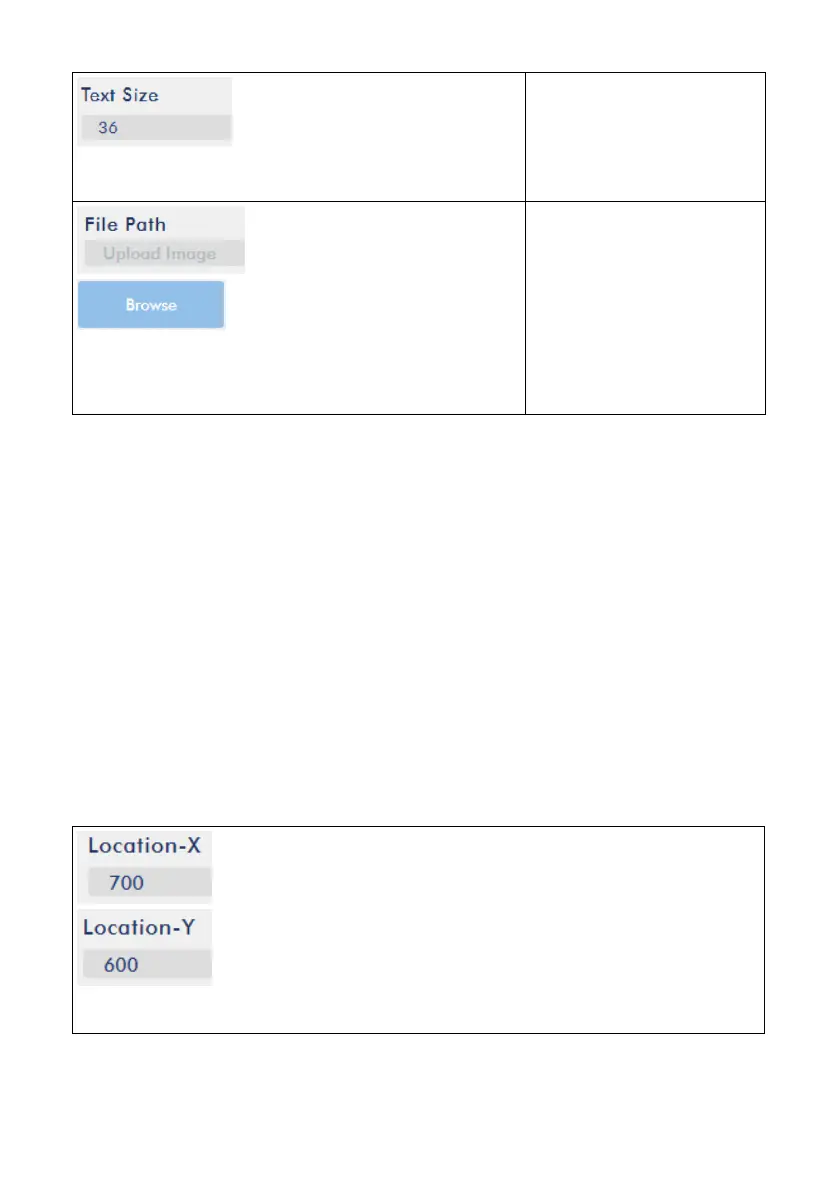
Text Size
Please enter different
figure to change the text
size.
File Path
If users select a picture to
be the CG source, please
press the Browse button
to select your desired
picture from the hard disk
of your PC or laptop.
5.6.1 How the Location X & Location Y values Affect CG Source
1. Text:
Users can adjust the Location-X and Location-Y values to change the position of the
inserted text on the screen.
Location-X: For Location-X, the more the value, the more the text will be moved from
the left side to the right side.
Location-Y: For Location-Y, the more the value, the more the text will be moved from
the up side to the down side.
Example: Location-X=700, Location-Y=600



 To Next Page