EasyManua.ls Logo

Datavideo NVS-40D - Page 54

Datavideo NVS-40D
100 pages
Print Icon
To Next Page IconTo Next Page
To Previous Page IconTo Previous Page
Loading...
54
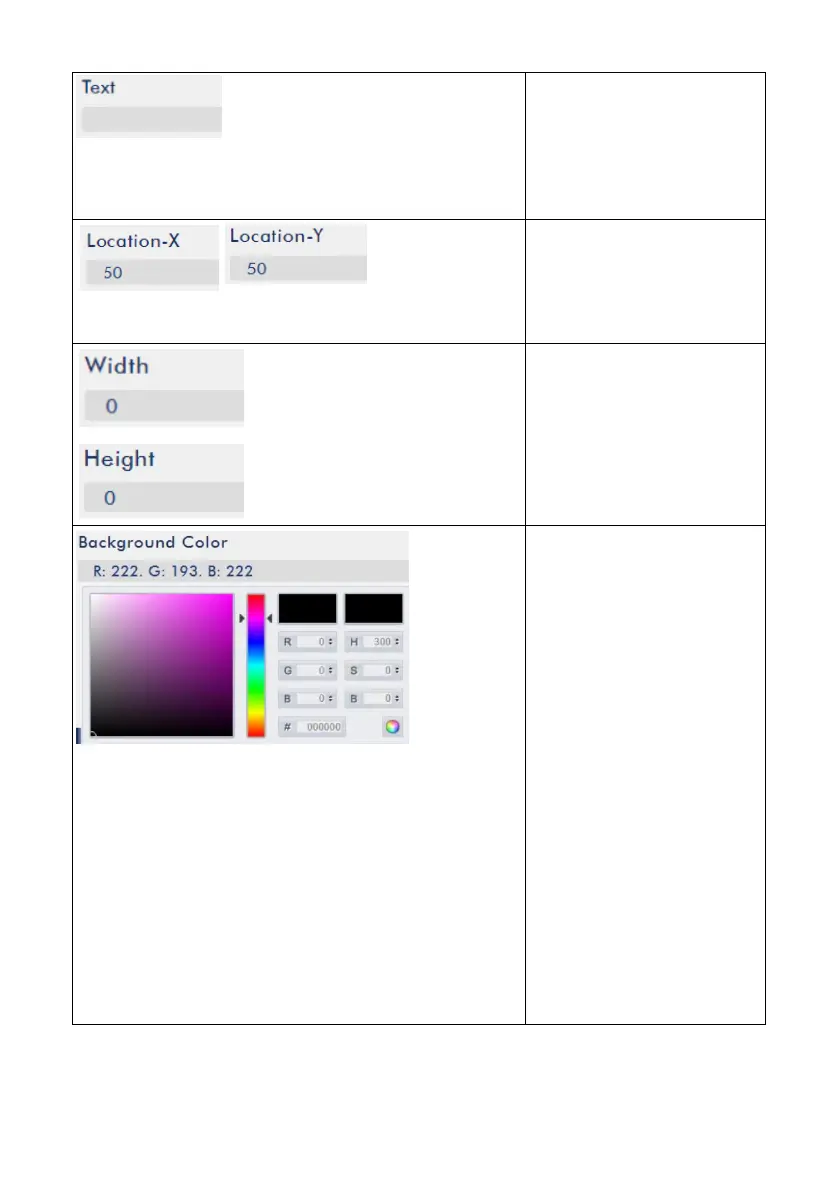
Text
If users select text to be
the CG source, users can
enter their desired texts
into this column.
Location-X/Location-Y
Users can determine the
X-axis and Y-axis of the CG
source. (Text/Picture)
Width and Height
Users can enter different
values to determine the
Width and Height of the
CG source.
Foreground Color
Please enter different
parameters in these
blanks to determine
different foreground color
for the CG source. Users
can select their desired
color from the color
spectrum on the left side.
After the desired color is
selected, please press the
color wheel button on the
bottom right side to
confirm the color
selection.

Table of Contents

Related product manuals