22
5.2 Source
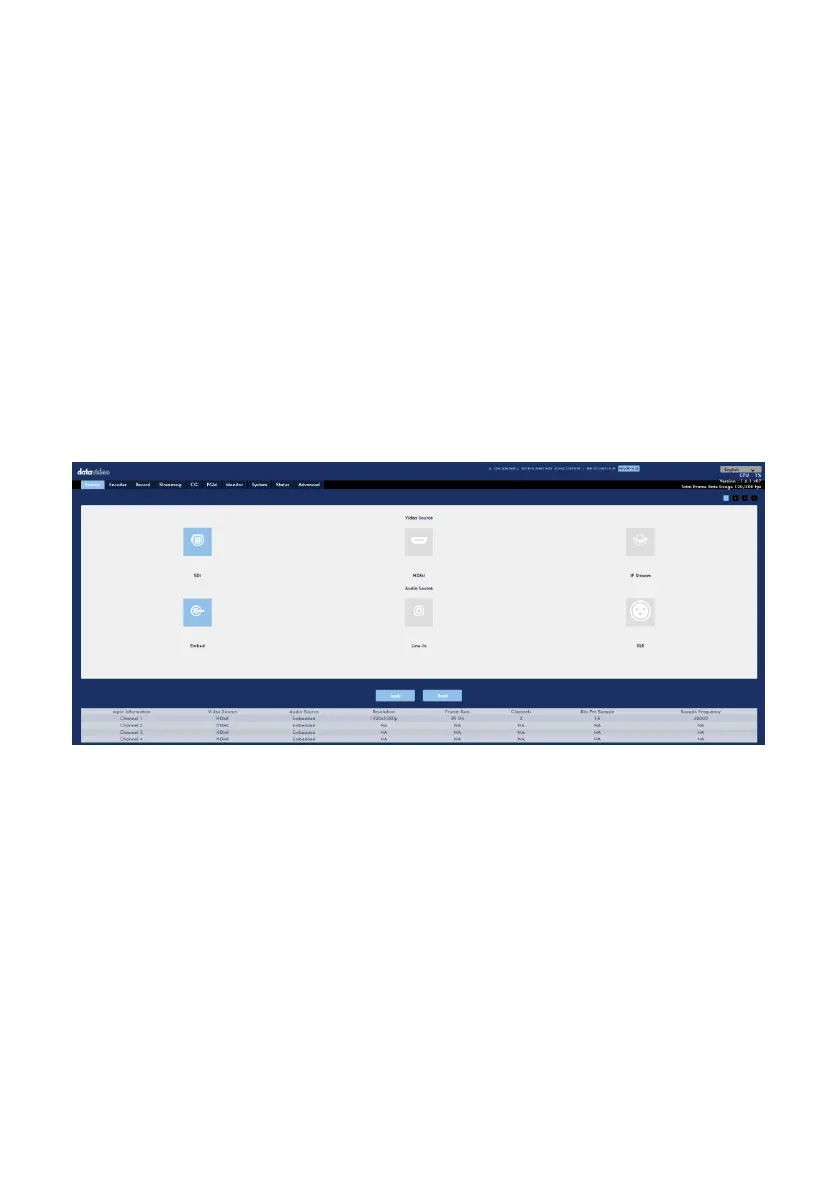
The tag1, 2, 3 and 4 represent the video and audio input sources for channel 1 to
channel 4. Due to that the video input source for the channel 1 can be SDI, HDMI or
IP Stream, users can see the SDI and HDMI tags for the channel 1 which are shown as
following diagram. Users can press the “HDMI” tag from the “Source” option on the
toolbar menu to adjust the brightness, contrast, hue and saturation values by the
sliders. After the adjustment is finished, users can press the “Apply” button to apply
and save the settings. If users want to restore the related values back to the factory
default values, please press the “Reset” button. The Embedded, Line-in and XLR
audio input sources will be shown below the sliders. The video and audio tags with
colors represent current input situation.
If the Input Source is SDI



 To Next Page