30
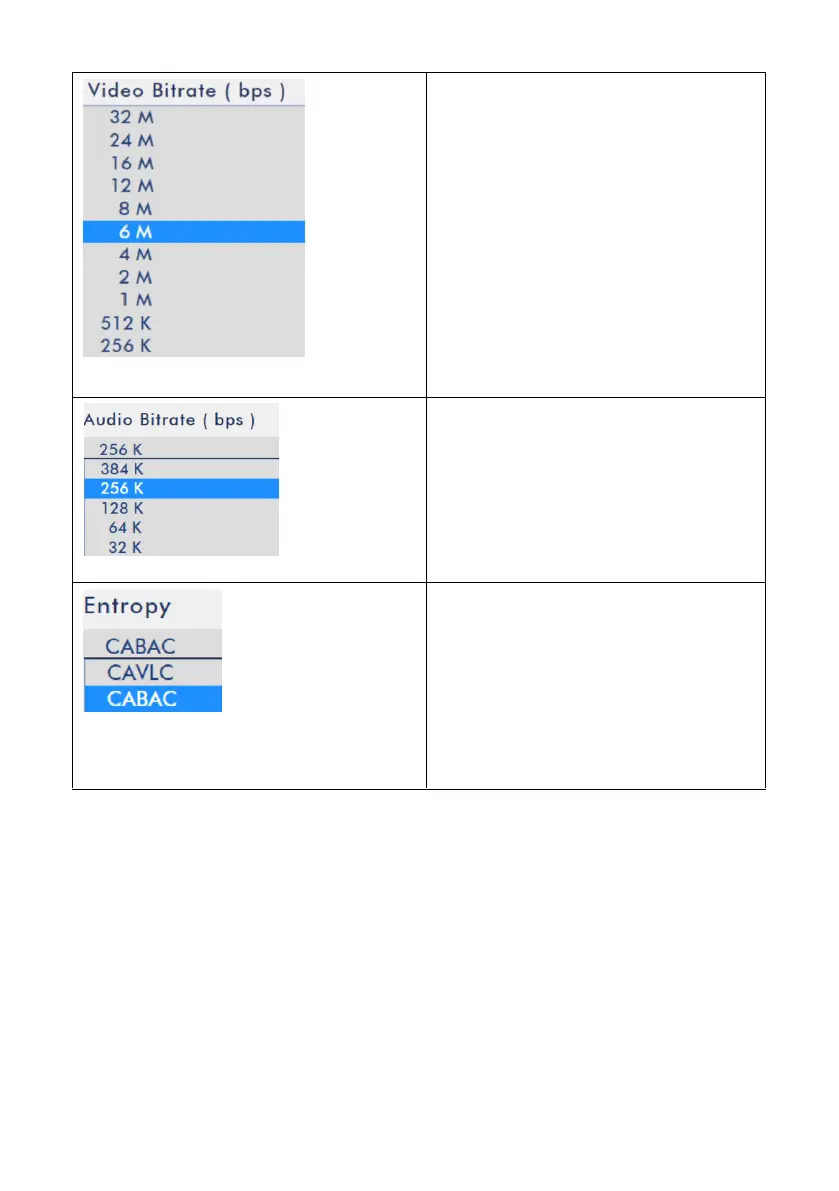
Video Bitrate (bps)
Users can select different Video
Bitrate settings from this drop-down
menu.
Audio Bitrate (bps)
Users can select different Audio
Bitrate Settings from this drop-down
menu.
Entropy
Users can select different Entropy
algorithm settings including CAVLC
and CABAC from the drop-down
menu.
5.3.1 Setting Steps and Important Notices for Encoder Option Setting (Take Youtube
as an Example)
Please follow following steps and important notices for setting related parameters of
the Encoder option for the NVS-40.
Step 1. Users need to go to the streaming platform/streaming media server to
confirm their recommended Encoder settings. After that, please set a closest value
for your NVS-40.



 To Next Page