47
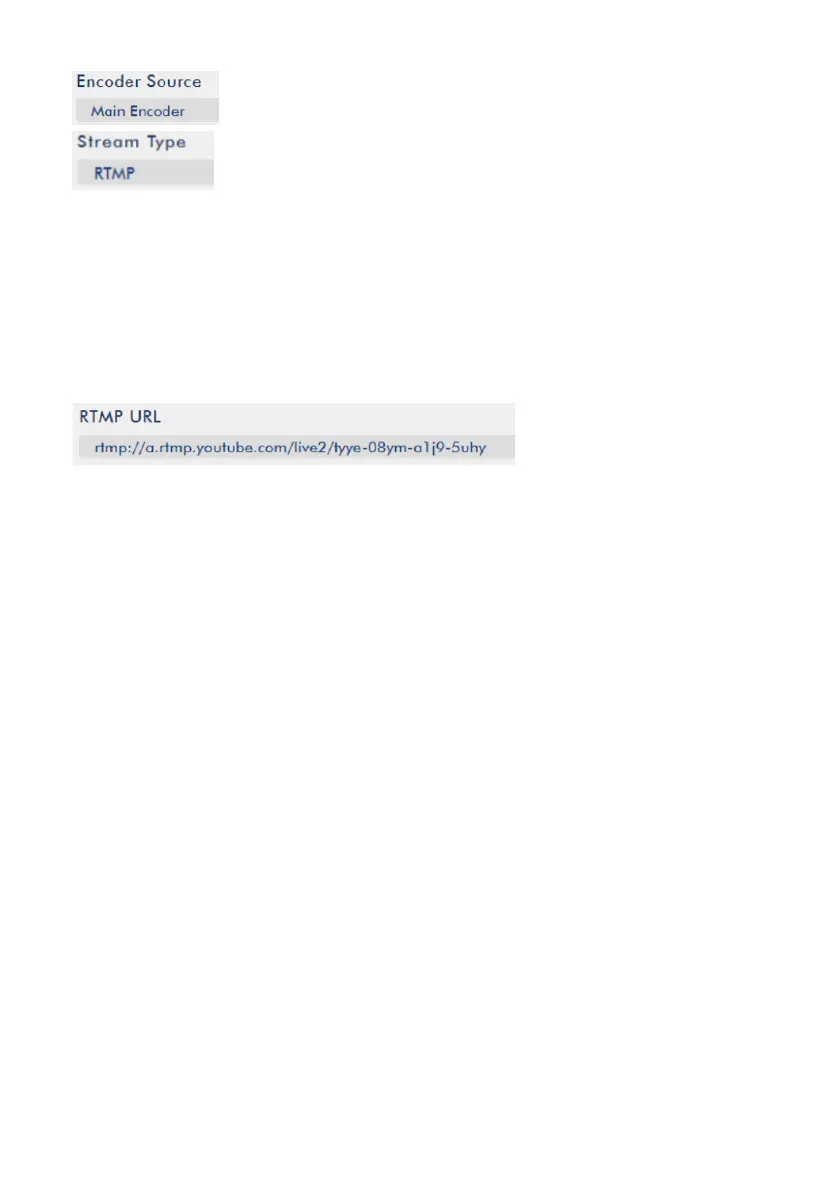
10. Please copy the Server URL and Stream Name/Key that are provided by the
Youtube Live website and then paste them into the RTMP URL column in the
Streaming control page. The format for entering the Server URL and Stream
Name/Key is shown as following.
Server URL/Stream Name
11. Please press the “Start Stream” button and then the video can be streamed by
the Youtube platform.
5.5.5 Streaming-RTMP (Use RTMP Protocol) (Take Facebook as an Example)
1. Please use an RJ-45 Ethernet cable to connect one end to the public network and
then connect another end to the WAN port of a router.
2. Please use another RJ-45 Ethernet cable to connect one end to the LAN port on
the rear panel of the NVS-40 and then connect another end to one of the LAN port of
the router.
3. Please use another RJ-45 Ethernet cable to connect one end to the LAN port of the
PC/Laptop and then connect another end to the LAN port of a router.



 To Next Page