48
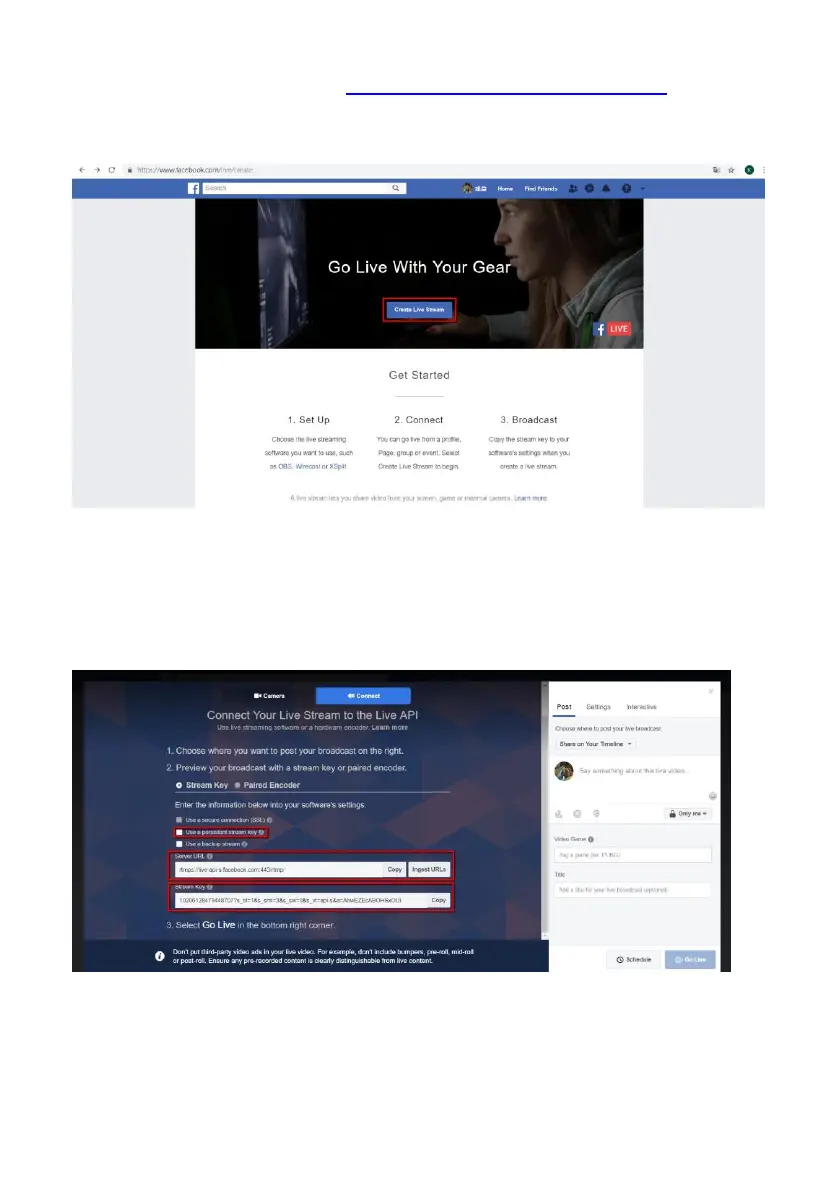
4. Please go to Facebook website https://www.facebook.com/live/create , and then
please click “Create Live Stream” button. Note: In Facebook platform, each
streaming must be within 4 hours.
5. The following screen will be shown, please check “Use a persistent stream key”
and then please copy “Server URL” and “Persistent Stream Key”. Finally, please paste
them into the “RTMP URL” column and “Stream Name” column respectively in the
Streaming option of the NVS-40 web-based control interface.



 To Next Page