49
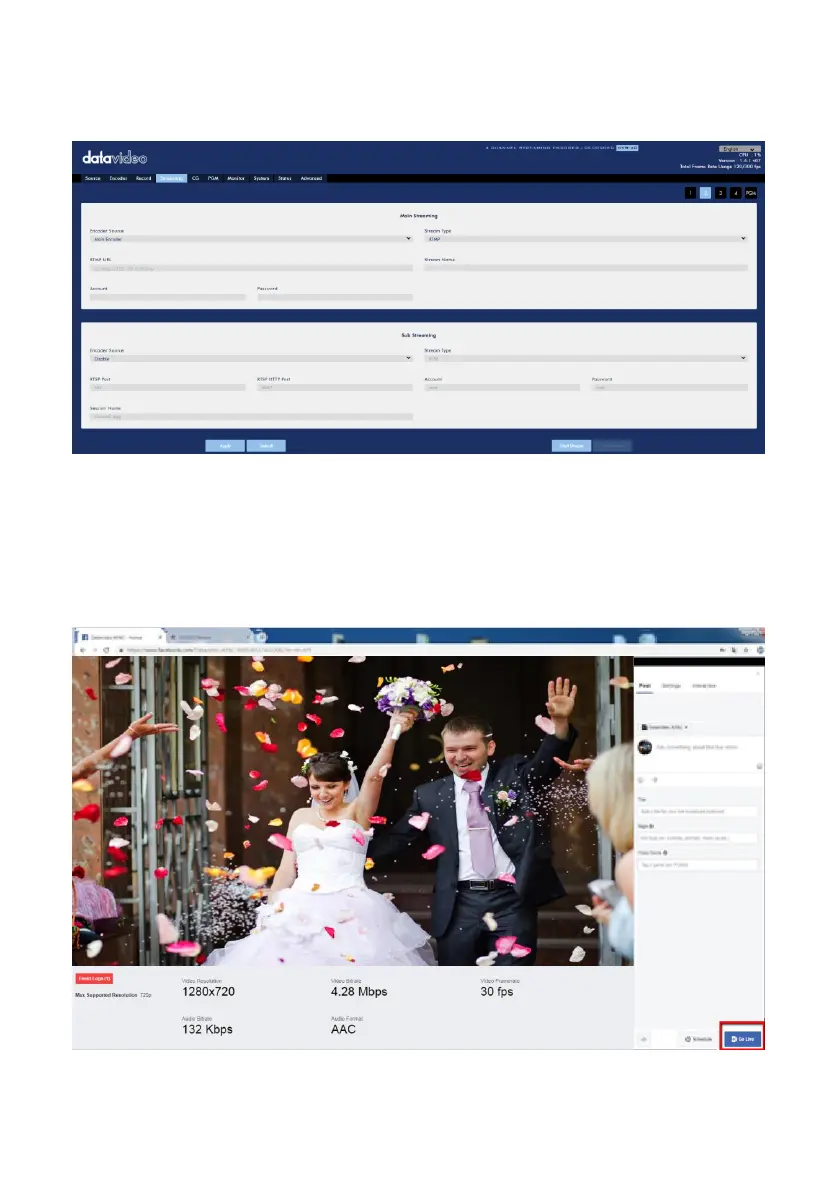
6. After the Server URL and the Persistent Stream Key are pasted into the column,
please press the “Start Stream” button.
7. The preview screen will be shown on the Facebook live-stream page. Please
choose the section that you want to post your live broadcast and the audience who
can see the live broadcast. Finally, please press the “Go Live” button to start
streaming the video to the Facebook page.
rtmp://live-api-s.facebook.com:80/rtmp/10205210705024920?s_ps=1&s_sw=0&s_vt=api-s&a=AbyaFOlMSeHJpgTl



 To Next Page