45
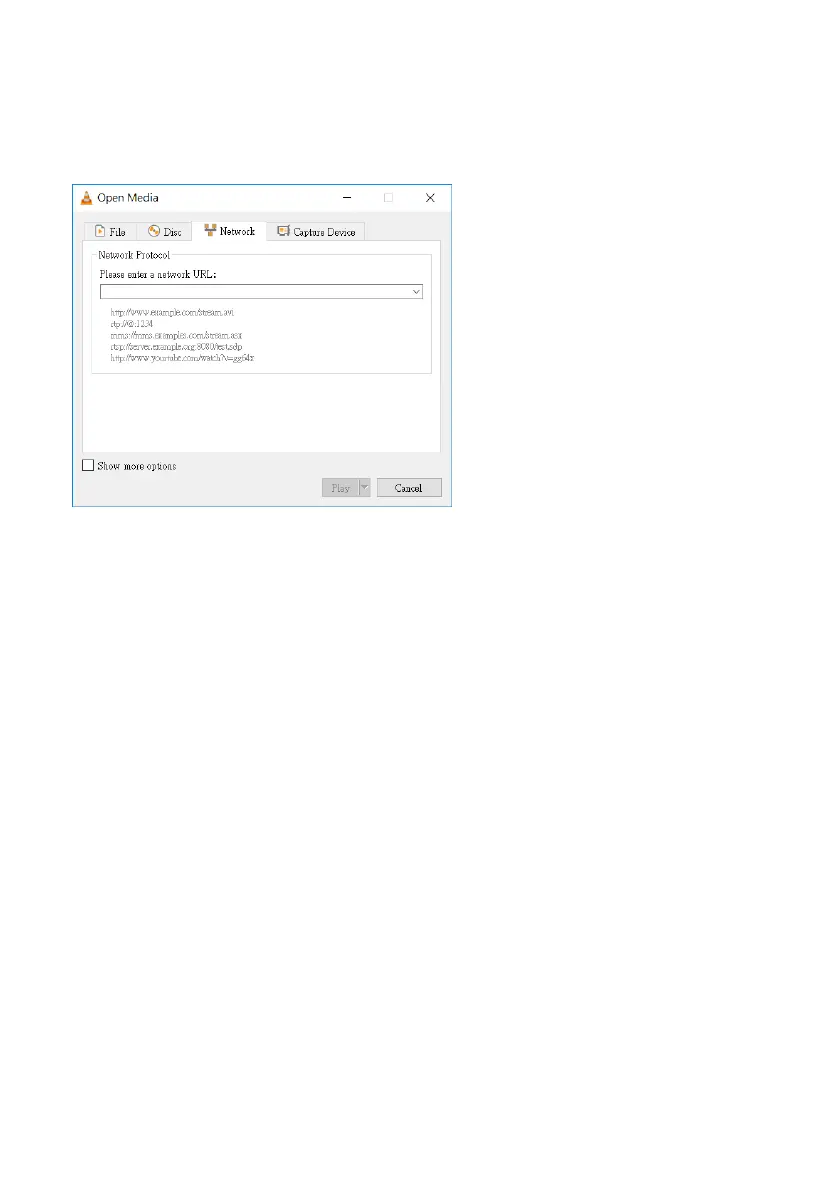
13. Please enter the streaming address that is generated by the NVS-40 into the
“Please enter a network URL” column and then please press the Play button for
playing the streaming. Take above address as an example, the address will be
udp://192.168.100.100:1000
5.5.4 Streaming-RTMP (Use RTMP Protocol) (Take Youtube as an Example)
1. Please use an RJ-45 Ethernet cable to connect one end to the public network and
then connect another end to the WAN port of a router.
2. Please use another RJ-45 Ethernet cable to connect one end to the LAN port on
the rear panel of the NVS-40 and then connect another end to one of the LAN port of
the router.
3. Please use another RJ-45 Ethernet cable to connect one end to the LAN port of the
PC/Laptop and then connect another end to the LAN port of a router.



 To Next Page