59
5.7 PGM
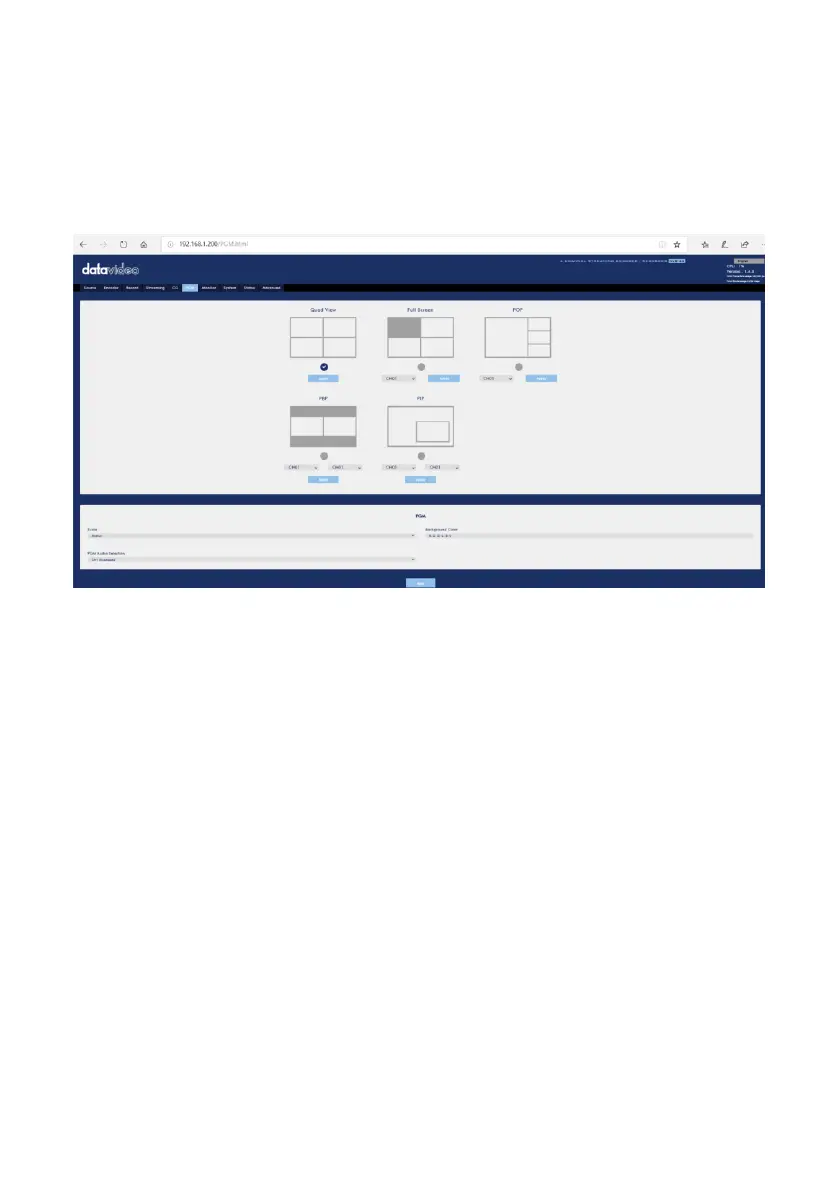
After pressing the PGM option on the menu bar of the web UI, users can see the
control page 0f the PGM option. The PGM option provides five modes for displaying
the PGM screen including Quad View, Full Screen, POP, PBP and PIP. The main
interface of the PGM option is shown as following diagram.



 To Next Page