76
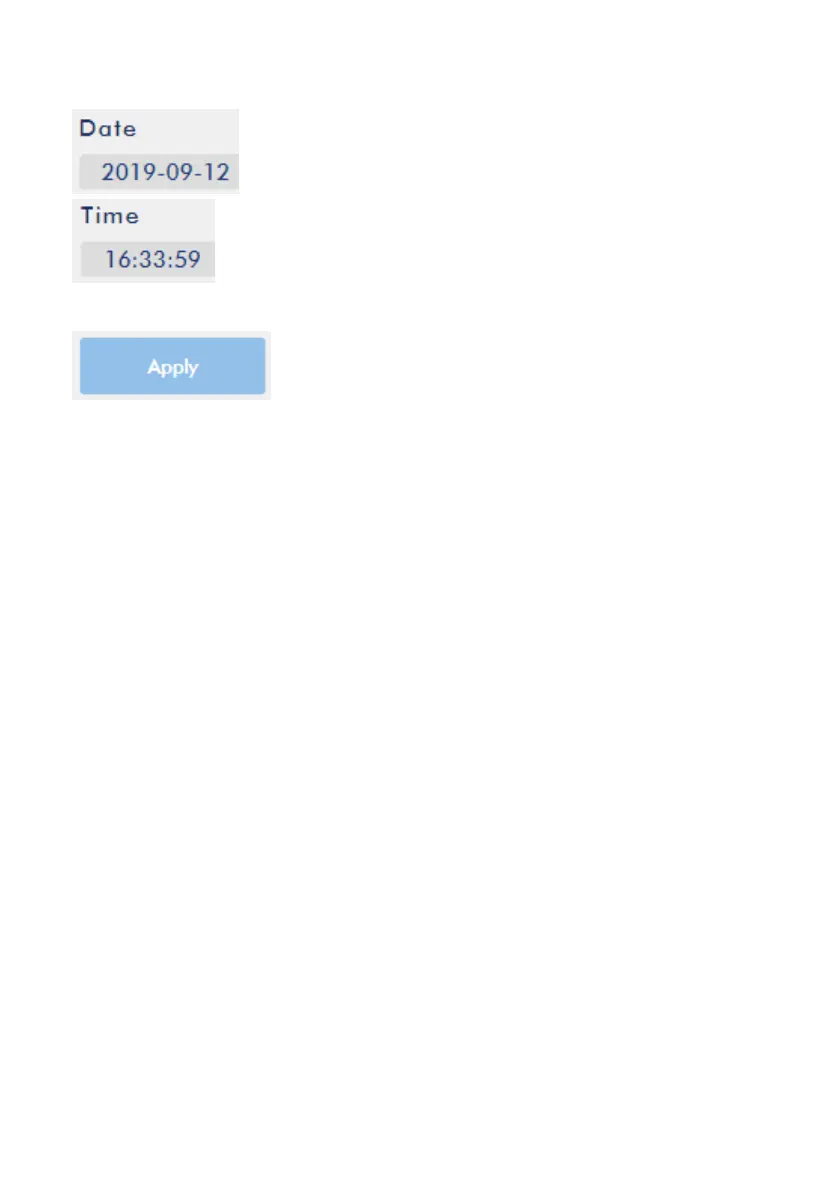
3. Please enter the correct Date and Time into the “Date” and “Time” columns.
4. Please press the “Apply” button for applying the setting.
Note: If the “Automatically from the Internet” option is selected, users still need to
select the Timezone manually by themselves. If the system is restored to the factory
default value, the Timezone setting will be kept and will not be changed.



 To Next Page