75
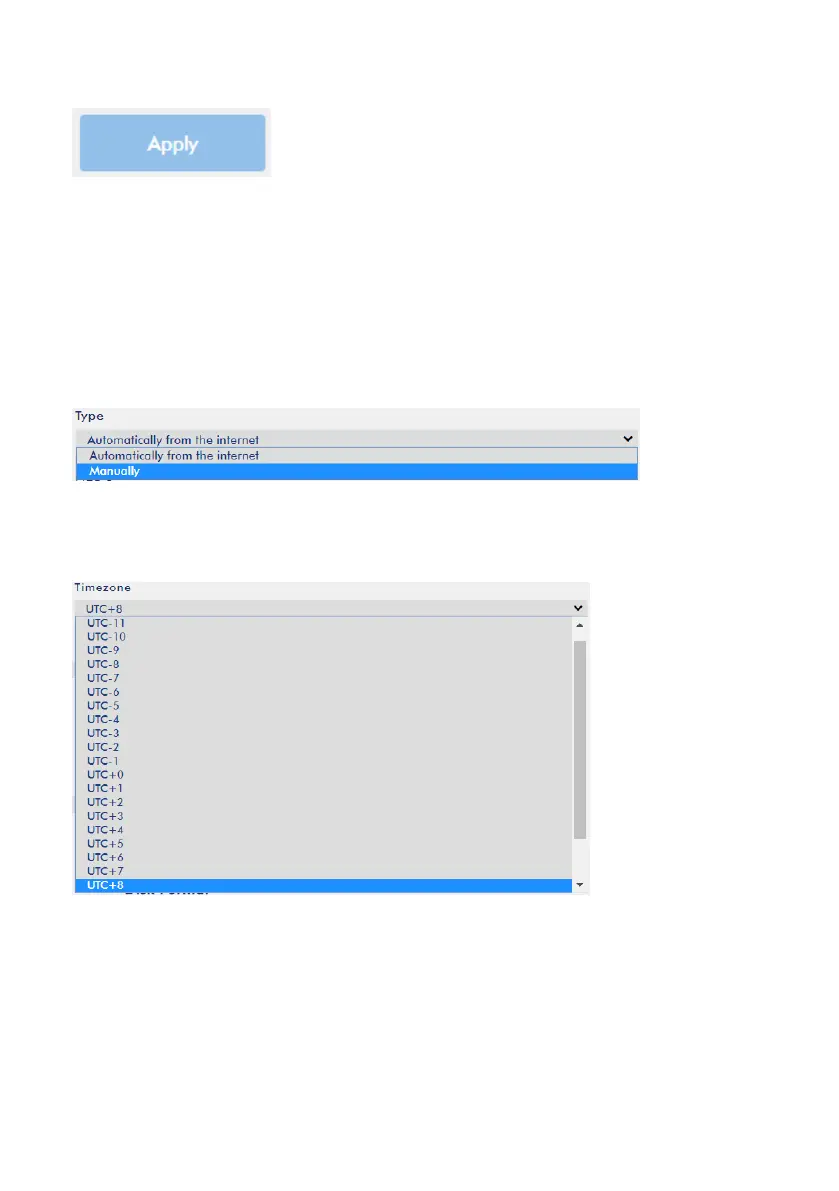
4. Please press the “Apply” button for applying the setting.
Manually
This option allows users to set the system time manually, please follow following
steps for setting the system time.
1. Please select the “Manually” option from the “Type” drop-down menu.
2. Please select your Timezone from the “Timezone” drop-down menu.



 To Next Page