43
5. Please enter NVS-40’s IP address into the address bar of the web browser to open
the web control interface of the NVS-40.
6. Please click the Streaming option from the web control interface to open the
streaming control interface.
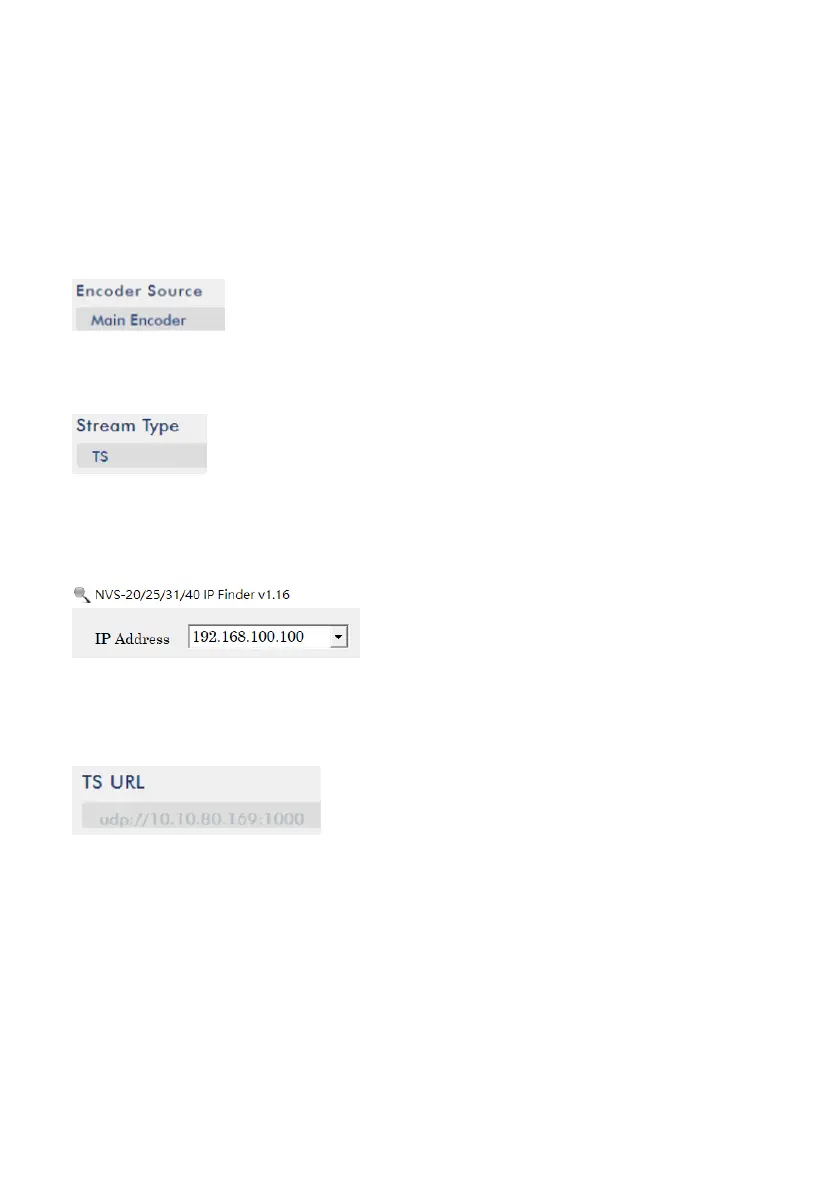
7. Please select Main Encoder or Sub Encoder from the Encoder Source drop-down
menu.
8. Please select TS from the Stream Type drop down menu of Main Stream or Sub
Stream.
9. Please enter the IP address of your PC which is shown by the IP Finder software
into the TS URL column by following format. Take 192.168.100.100 as an example,
the TS streaming address will be udp://192.168.100.100:1000
10. Please press the “Start Stream” button and then the TS streaming address will be
generated by the NVS-40.



 To Next Page