57
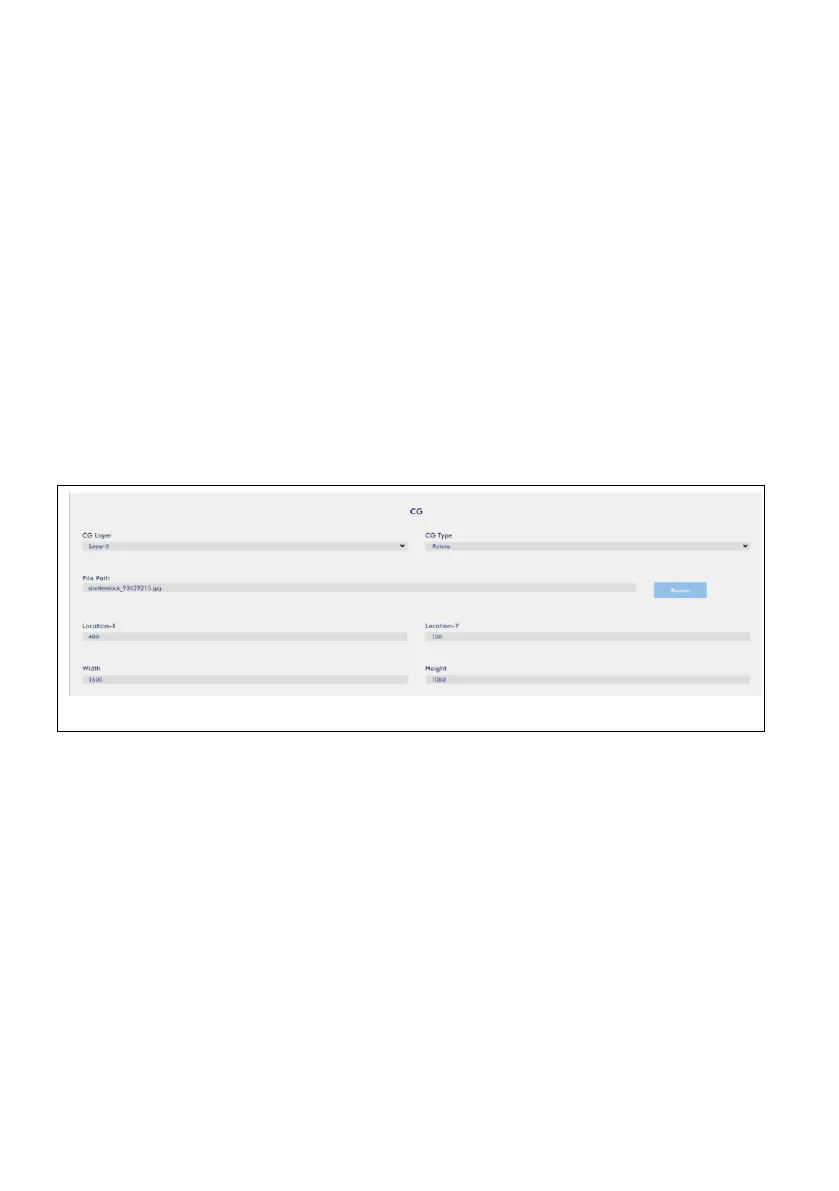
2. Picture:
Users can adjust the Location-X and Location-Y value to change the position of the
inserted picture on the screen.
Location-X: For the Location-X, the more the value, the more the picture will be
moved from the left side to the right side.
Location-Y: For the Location-Y, the more the value, the more the picture will be
moved from the up side to the down side.
Width and Height: Users can enter different value to control the width and height of
the inserted picture.
Example: Location-X=400, Location-Y=100, Width=1500, Height=1080



 To Next Page