63
5.7.1 Scale
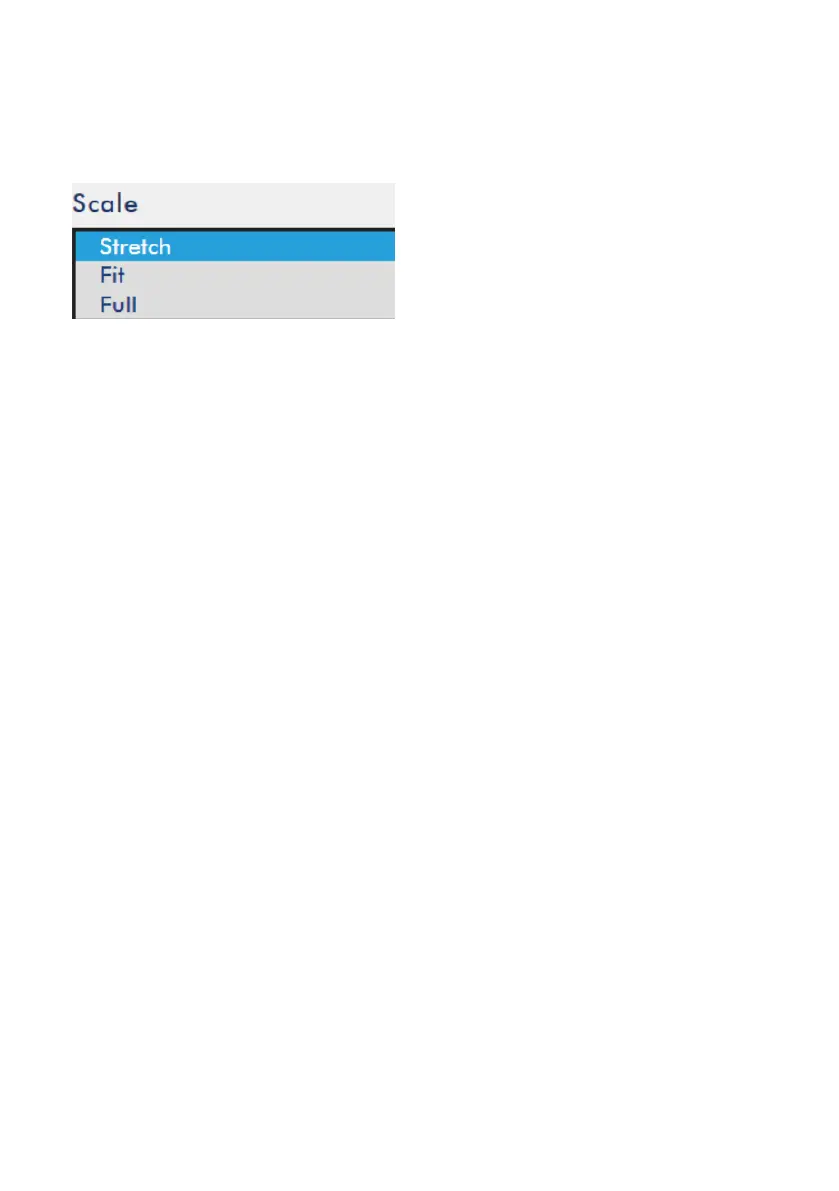
There is a “Scale” drop down menu including “Stretch”, “Fit” and “Full” in the PGM
user interface for users to apply in the POP and PBP mode.
Please see following paragraphs for the introduction of the three modes including
“Stretch”, “Fit” and “Full”.
Stretch: If the “Stretch” is selected, the PGM screen will be stretched to up side and
down side.
Fit: If the “Fit” is selected, the PGM screen will be shown in original scale.
Full: If the “Full” is selected, the PGM screen will be enlarged and the part that is
over the screen will be cut off.
Please see following diagrams to tell the differences for those modes.



 To Next Page