EasyManua.ls Logo

Datavideo NVS-40D - Page 70

Datavideo NVS-40D
100 pages
Print Icon
To Next Page IconTo Next Page
To Previous Page IconTo Previous Page
Loading...
70
Network Setting
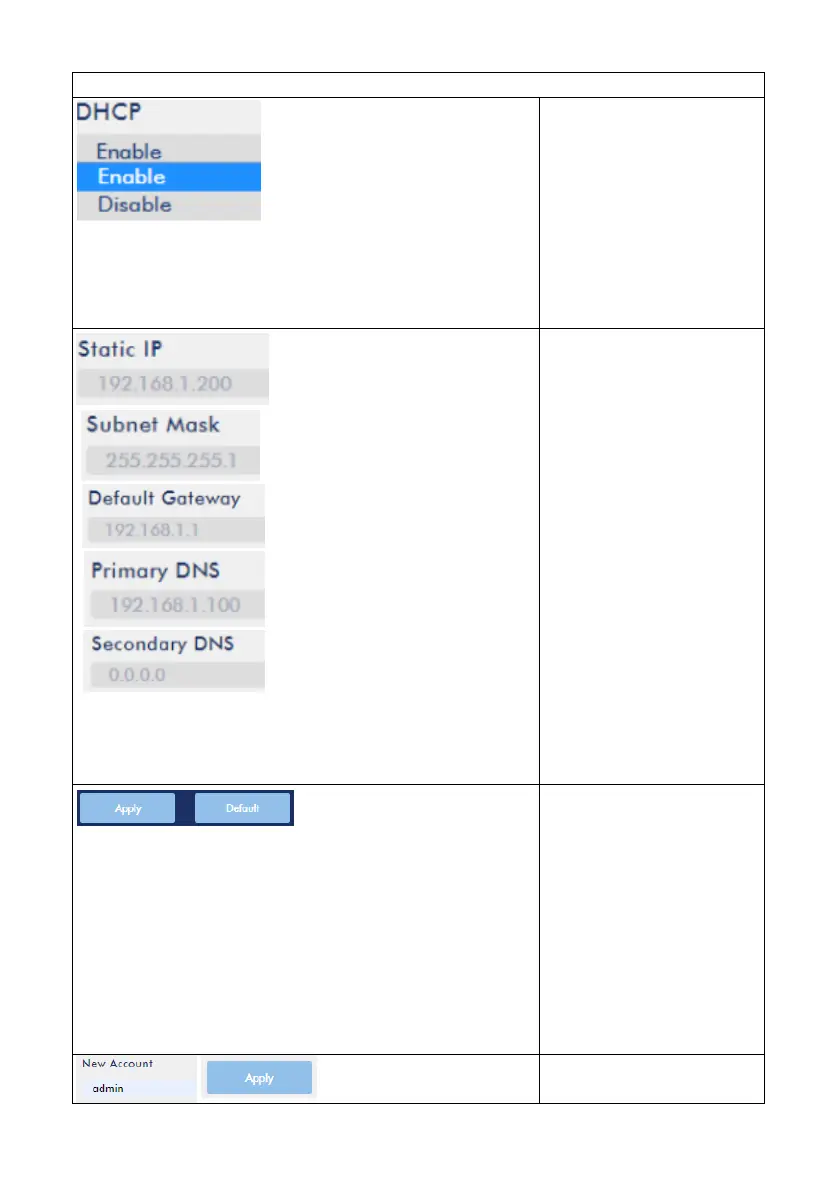
DHCP
The default Network
mode for the NVS-40 is
DHCP mode, if users
select “Disable”, they
need to enter related
information manually by
themselves.
Static IP/Subnet
Mask/Default
Gateway/Primary
DNS/Secondary DNS
Due to that the default
network mode of the
NVS-40 is the DHCP
mode, once the DHCP
mode is set to Enable, all
of the network related
parameters will be set
automatically. If the
DHCP mode is set to
Disable, users need to
enter all parameters
manually by themselves.
When the network
related parameters are
set, please press the
“Apply” button to finish
the setting. For restoring
the network related
settings to factory
default values, please
press the “Default
button.
Account and Password

Table of Contents

Related product manuals