2: Installation
PRC1099A-MSOP 2-11
PRC-PS
Power
Supply/
Charger
The PRC-PS power supply/battery charger supplies power to the PRC1099A
while at the same time charging the battery in the battery box.
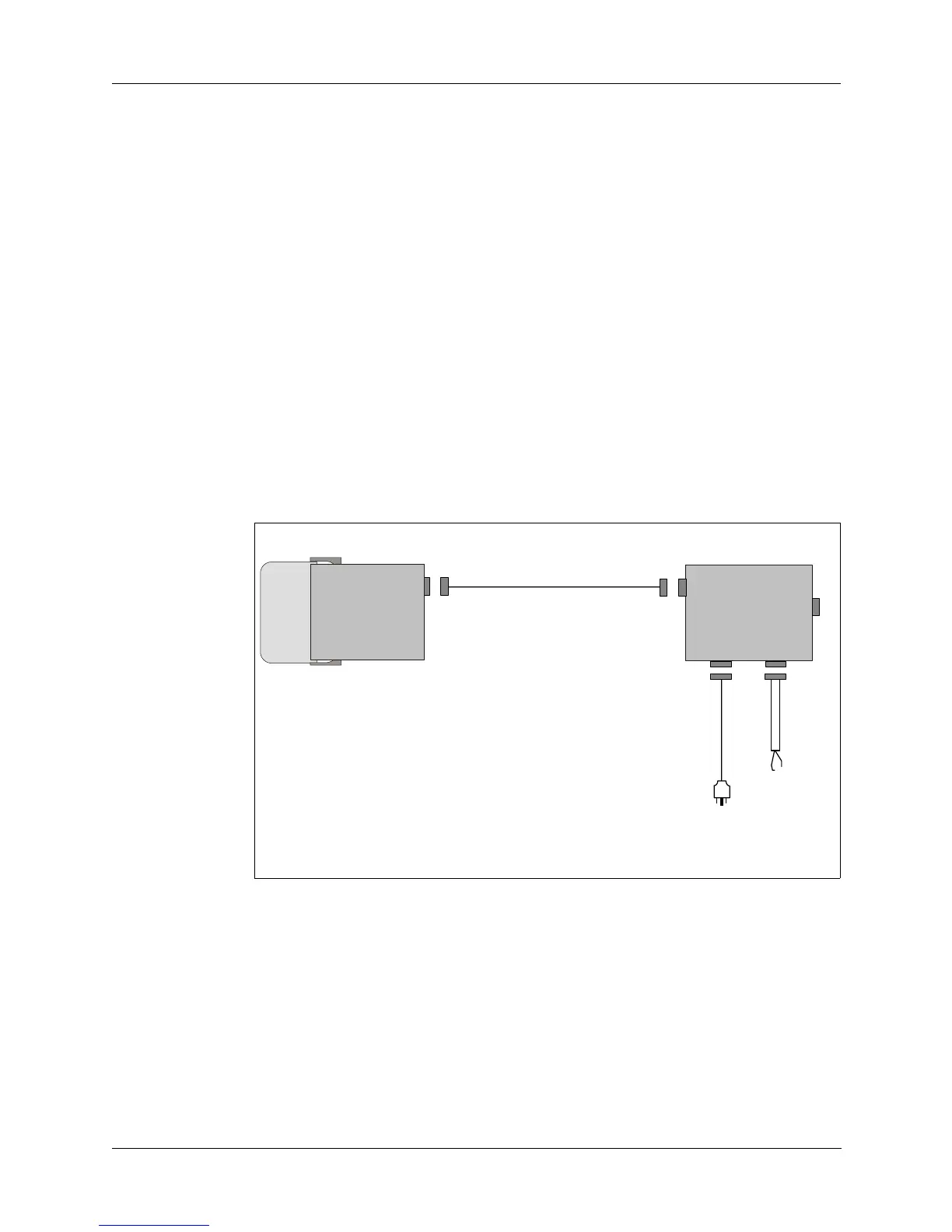
1. Attach the PRC1099A with its rechargeable battery to the PRC-PS as
shown in Figure 2-6.
2. Attach the PRC-PS to one of two power sources.
• 115/230VAC (internally strapable) or
• 24 Vdc
3. Turn the PRC1099A on if you need to operate the radio while charging the
battery. Otherwise, leave it off.
4. Power on the charger and note the following indicators:
• The FAULT indicator light turns on if the battery is not connected
properly or is shorted.
• The CHARGING indicator light turns on during a normal charge cycle.
• The READY indicator light turns on when the battery is fully charged.
Figure 2-6. Charging a Battery using PRC-PS and PRC1099A
J1
SET
PWR
AC
INPUT INPUT
PRC-PS
J3
J2
C99160
PR
1099ABB-LA6
ACC
J4
C991608
To
24 Vdc
Source
To
115/230 VAC
Source
DC



 To Next Page