2: Installation
2-12 PRC1099A-MSOP
The PRC-PS can also charge a battery that is connected to it through the
battery connector at the rear of the charger.
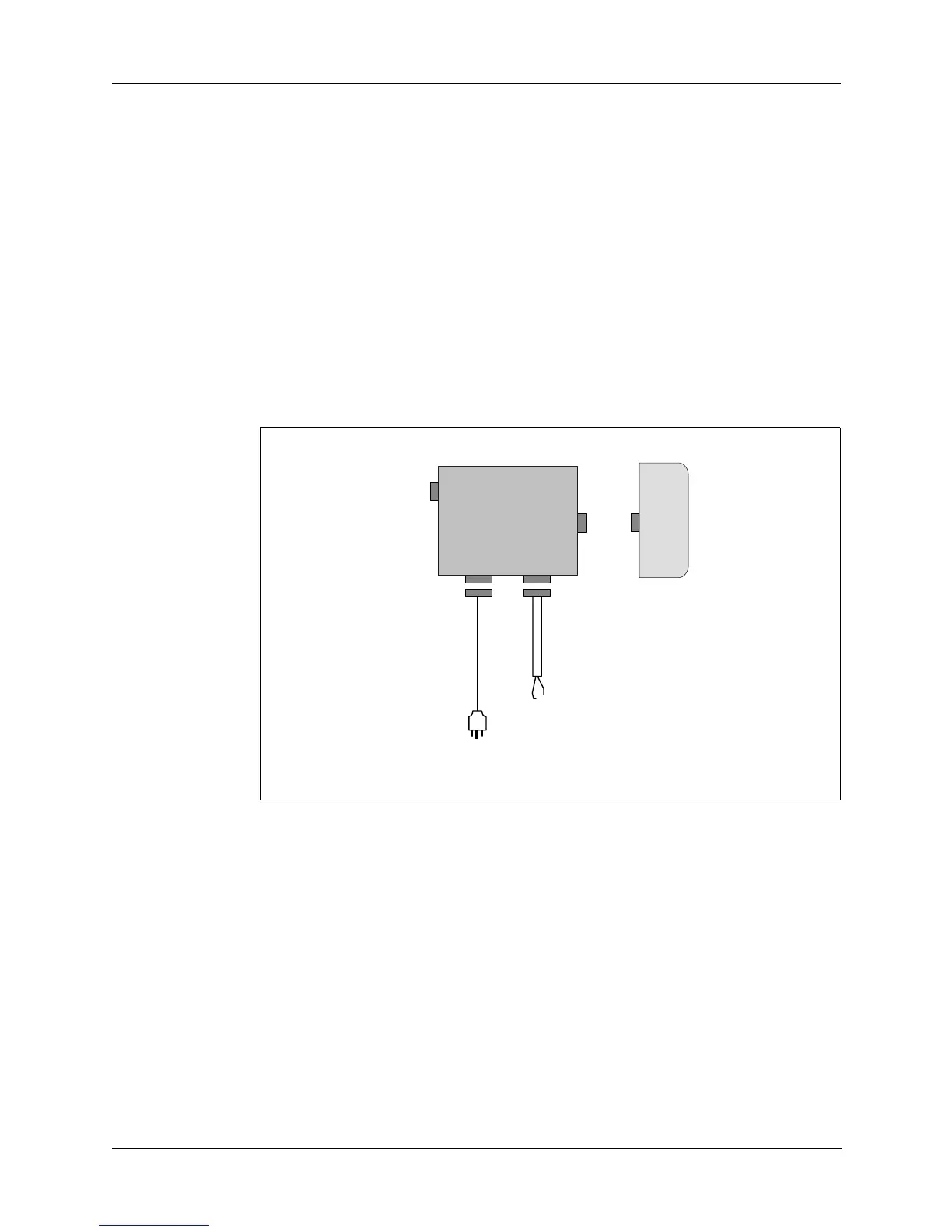
1. Attach a rechargeable battery to the PRC-PS charger as shown in Figure
2-7.
2. Attach the power supply/battery charger to an appropriate power source.
3. Power on the charger and note the following indicators:
• The FAULT indicator light turns on if the battery is not connected
properly or is shorted.
• The CHARGING indicator light turns on during a normal charge
cycle.
• The READY indicator light turns on when the battery is fully charged.
Figure 2-7. Charging a Battery using PRC-PS
J1
PRC-PS
J3
J2
C991609
To
24 Vdc
Source
To
115/230 VAC
Source
BB-LA6
SET
PWR
AC
INPUT
DC
INPUT
J4



 To Next Page