2: Installation
2-14 PRC1099A-MSOP
PRC-HC-30
Hand Crank
Generator
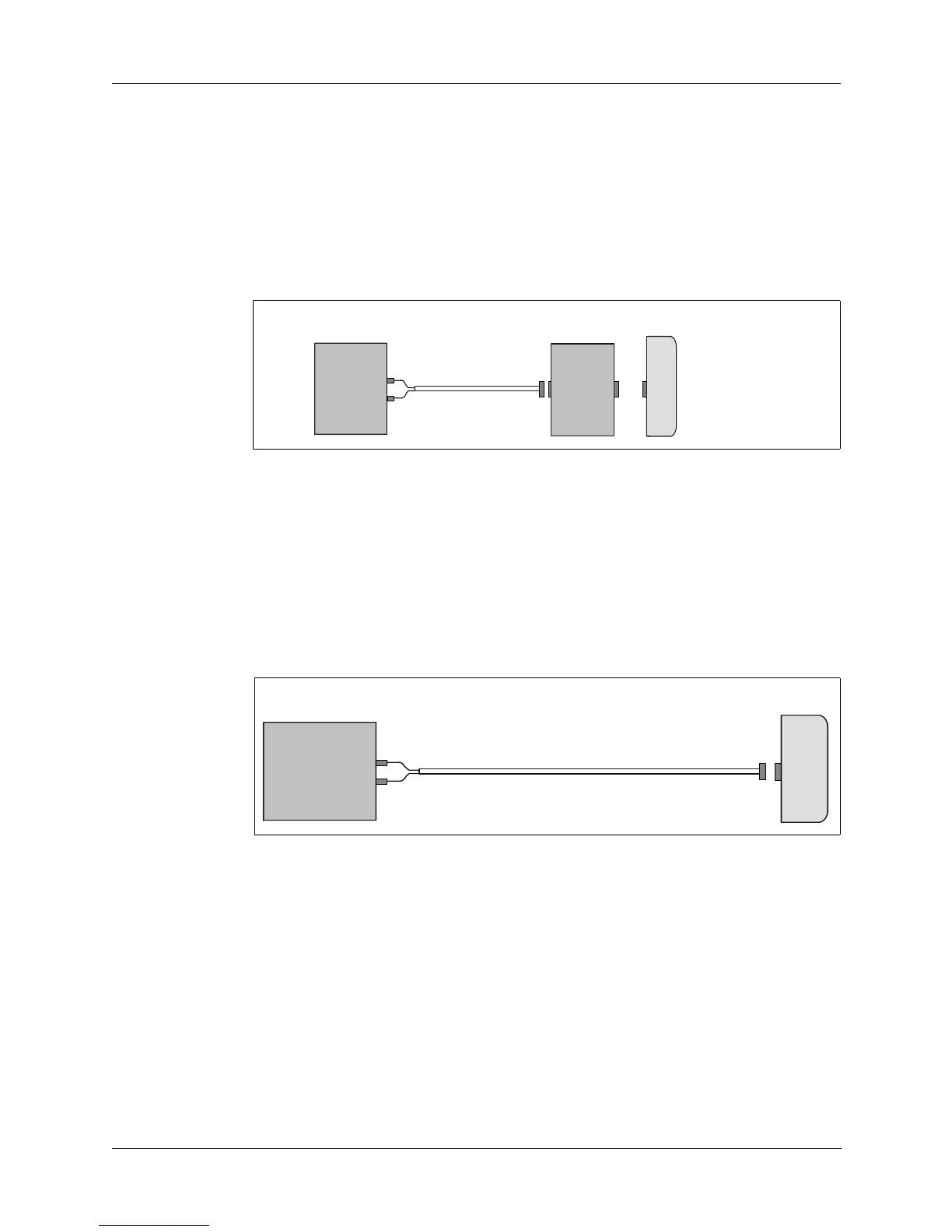
Charging a battery using the hand crank generator while attached to the
PRC1099A is illustrated in Figure 2-9.
1. Attach the battery to the PRC1099A.
2. Attach the hand crank generator to the PRC1099A.
3. Mount the hand crank generator for convenient cranking.
4. Begin operating the hand crank generator by rotating its handles.
Charging a battery directly from the hand crank generator is illustrated in
Figure 2-10.
1. Attach the battery to the hand crank generator as shown.
2. Mount the hand crank generator for convenient cranking.
3. Begin operating the hand crank generator by rotating its handles.
Figure 2-9. Charging a Battery Using the PRC-HC-30 and PRC1099A
Figure 2-10. Charging a Battery Directly from the PRC-HC-30
PRC-HC-30
PRC1099A
-
C991611
PRC-HC-30
BB-LA6
C991618



 To Next Page