4: Radio Programming
4-22 PRC1099A-MSOP
Optional Call Menu
The CALL menu allows you to initiate an ALE or TransAdapt/Transcall call
depending on which option is installed and activated. Only one or the other of
these options can be enabled at a time. This section applies to making an ALE
call. For information on placing a TransAdapt/Transcall call, refer to
"Transmitting a Call" on page 4-27.
Accessing
the Menu
1. Toggle the DIGIT knob until the CALL icon flashes.
2. Toggle the TUNE knob to access the call menu. The first selection in the
menu is one of the following depending on what selection was last
accessed:
• To (Other Address)
•Net Call
• Format
• All Call
• Manual Sound
3. Toggle and hold the TUNE knob to scroll through the menu selections.
When the selection you want is displayed, press WHIP TUNE to access it.
4. Follow the Menu Structure and Menu Selections below to assist in
programming the radio.
Menu
Structure
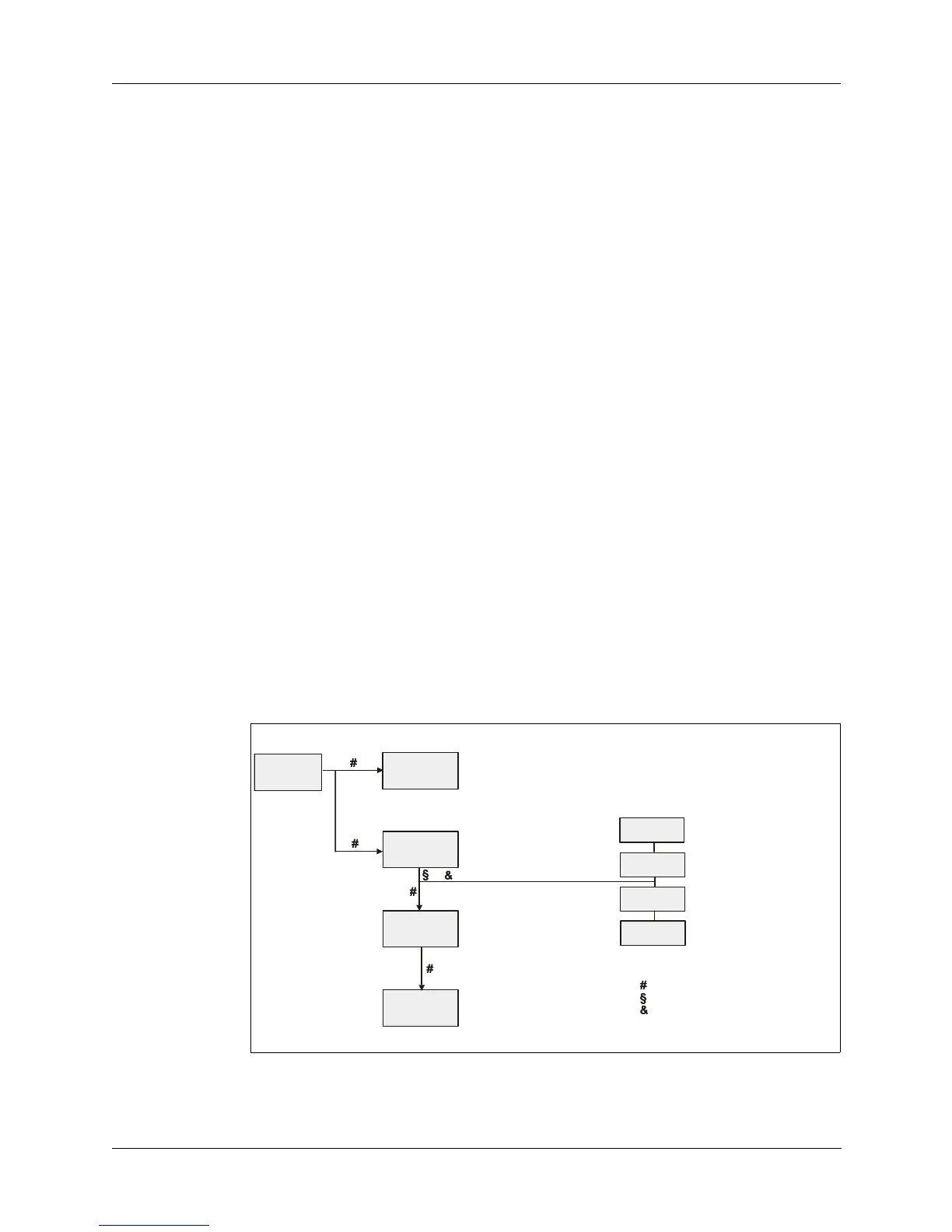
The diagram below shows the structure of the CALL menu and the legend
indicates how to work within the selections and their settings. Notice that the
menu structure shown below is dependant on which type of call is being
placed, ALE or TransAdapt.
XXX = 001 to 255 ALL CALL
Change with Tune knob
Send call with Whip tune button
XXXXXX = Other address
Change with Tune knob
Select with Whip tune button
XXXXXX= Other address
Change with Tune knob
Select with Whip tune button
or
XXXXXX= Self address
Change with Tune knob
Select with Whip tune button
XXXXXX= Self address
Change with Tune knob
Select with Whip tune button
XX = Other address
Change with Tune knob
Select with Whip tune button
XXXXXX = Self address
Change with Tune knob
Select with Whip Tune button
XXX = None, * 1 to 9
* Indicates message present
Change with Tune knob
Select with Whi
Tune button
(TransAdapt Initialized)
(ALE Initialized)
CALL
TO : SCXXX
TO : XXXXXX
FR : XXXXXX
MSG : XXXX
- Legend -
Indicates Whip tune button pressed
Indicates Tune knob moved up
Indicates Tune knob moved down
To exit any menu, use Digit knob
NET CALL
FORMAT
ALL CALL
MN SOUND



 To Next Page