4: Radio Programming
4-2 PRC1099A-MSOP
Menus that are available when requested and installed in the radio are:
• ALE (Automatic Link Establishment settings and call initiation)
• MSG (Message settings)
• CALL (Call settings)
• TA (TransAdapt/Transcall settings and call initiation)
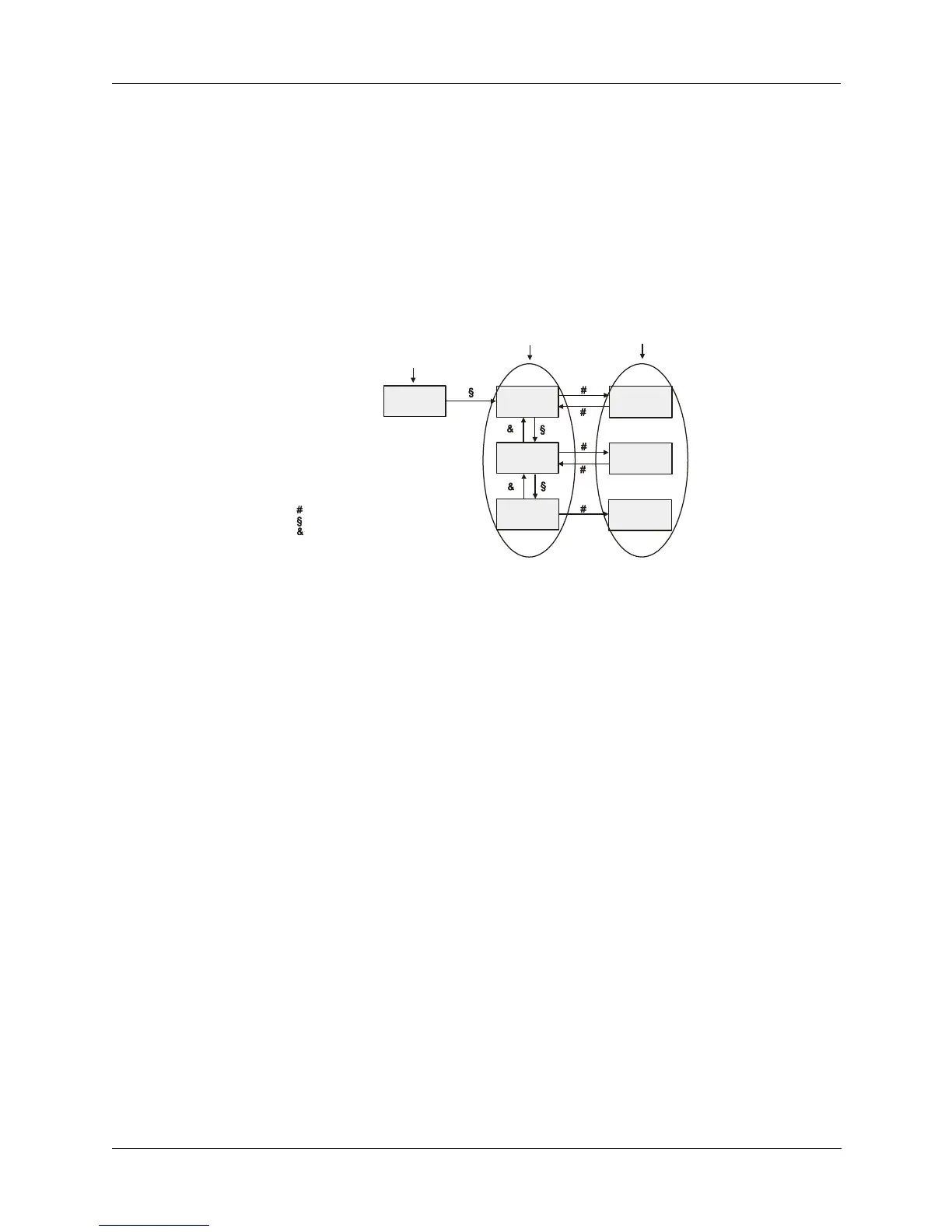
The example below illustrates that menus consist of selections that have
settings to program.
Use the following features on the front panel to access and navigate through
the menus, selections and settings.
1. With the radio on, toggle the DIGIT KNOB to move the pointer through the
displayed menu icons. The icons flash as they are selected. This knob also
moves through the digits of the channel’s displayed frequency. Toggling
and quickly releasing the DIGIT KNOB moves one position; toggling and
holding the knob scrolls through the display area.
2. When you stop on a flashing menu icon, toggle the
TUNE KNOB down to
display that menu’s first selection. To see the other selections, continue
toggling the
TUNE KNOB down. Toggling down and holding scrolls
through the available menu selections. Toggle the knob up to go back up
through the selections.
3. When the selection you want is displayed, press the WHIP TUNE button to
access its settings. Toggle the
TUNE KNOB to display the different settings
such as off and on.
4. Save your entered or modified settings by pressing the WHIP TUNE button.
SAVED is briefly displayed and the menu is redisplayed.
5. To exit the menu, toggle the DIGIT KNOB.
XXX = On or off
Change with Tune knob
Save with Whip Tune butto
OPT
T/A SEL
T/A: XXX
ALE: XXX
BITE ON
ALE SEL
BITE TST
XXX = On or off
Change with Tune knob
Save with Whip Tune button
Radio automatically
runs through all tests
and displays results.
- Legend -
Indicates Whip tune button pressed
Indicates Tune knob moved up
Indicates Tune knob moved down
To exit any menu, use Digit knob
Menu
(Icon)
Selections
within Menu
Settings
within Selections



 To Next Page