G3
™
User’s & Installation Manual
7/October/2020
32
SAME icon is illuminated.
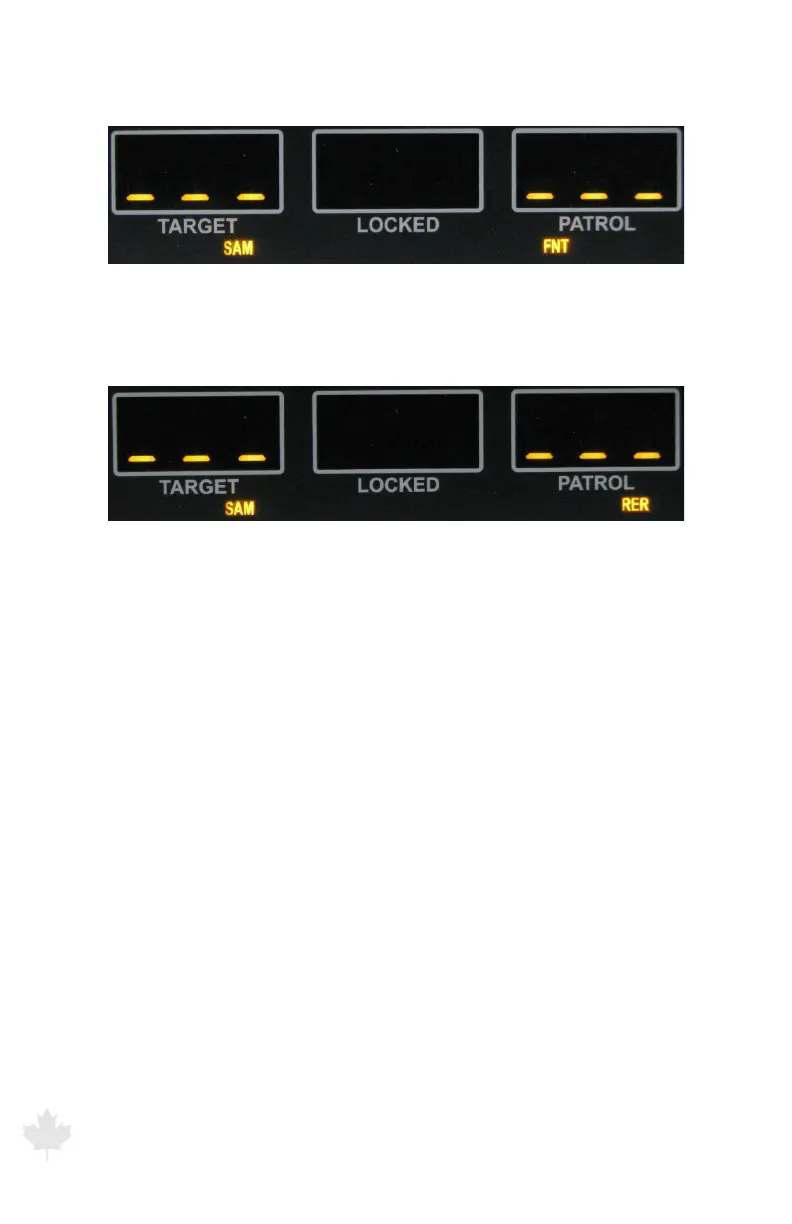
Figure 3.5b
While the FRONT antenna is selected, the down or up pointing arrow will be
illuminated depending on whether the target motor vehicle is approaching or
receding the patrol motor vehicle in same direction mode.
Figure 3.5c
While the REAR antenna is selected, the down or up pointing arrow will be
illuminated depending on whether the target motor vehicle is receding or
approaching the patrol motor vehicle in same direction mode.
The G3™ uses directional antennas so there is no need to manually
select faster or slower modes in same direction. The G3™ does this
automatically for you.
3.6 Fastest Mode
The FAST button activates the Fastest Mode, modifying the operation
of the Stationary, Moving Mode Opposite Direction and Same
Direction modes.
The Fast light illuminates when you press the FAST button on the
IR remote. When activated, the radar will search and nd the fastest
target and display it in the fast/lock window. For example, in Figure
3.6a, the 85-km/h motor vehicle is the target motor vehicle that will
be displayed in the fast/lock window.



 To Next Page