G3
™
User’s & Installation Manual
7/October/2020
17
Serial connector
On the back of the computer unit there is a female DB-9 connector
marked “SERIAL” that allows you to connect the G3 ™ to other devices
(i.e . display signs, in-car video, PCs, or the VIP (Vehicle Interface
Portal) .
2.3 Mounting and Connecting the Antenna
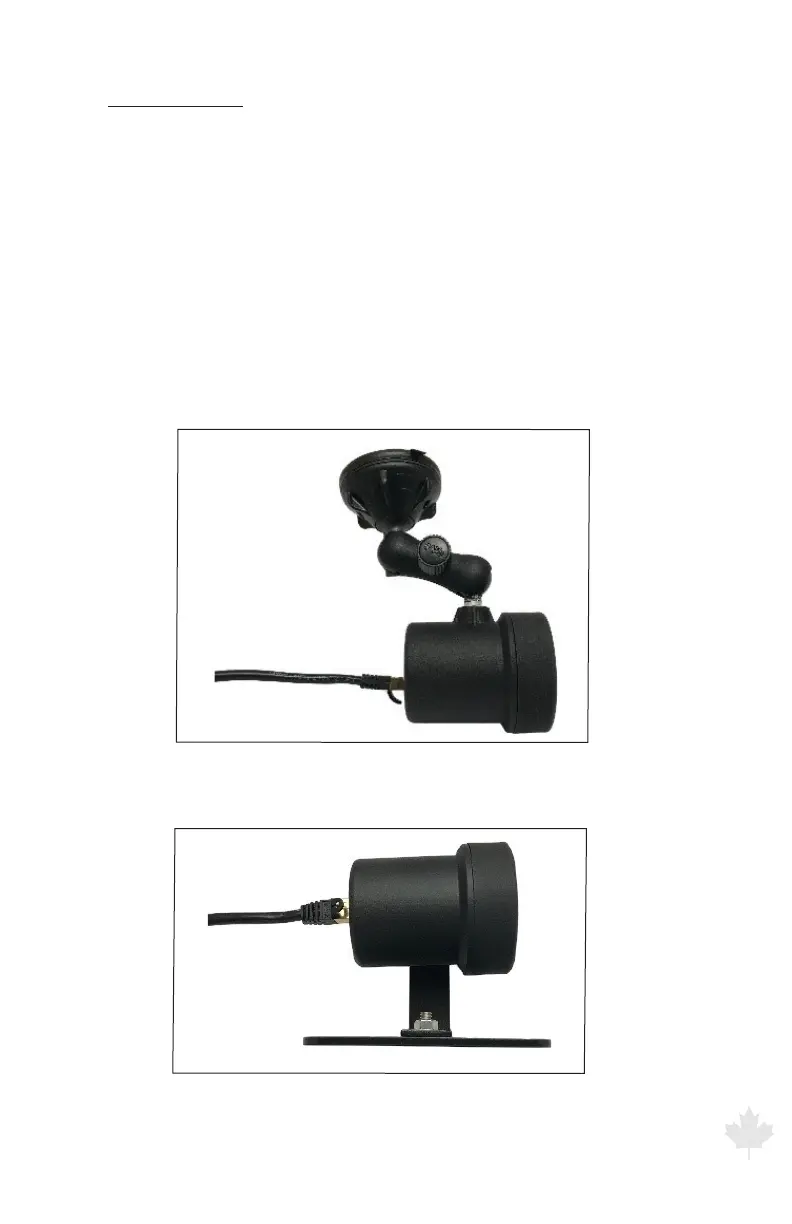
A variety of brackets are available. To attach the antennas to the
standard brackets, align the threaded mounting hole on the antenna
with the threaded post of the front antenna bracket and on the rear
antenna bracket the threaded knob with the slot on the L-brace. Then
screw the post or knob into the threaded mounting hole.
Figure 2.3a
A front mount antenna using the P773-237 bracket
Figure 2.3b
A rear mount antenna using the S758-34-0 bracket



 To Next Page