G3
™
User’s & Installation Manual
7/October/2020
30
WARNING
• Makesuretheantennafacingforwardisconnected
into the “FRONT” antenna port. If using dual antennas,
the antenna facing the rear must be connected into the
“REAR” antenna port.
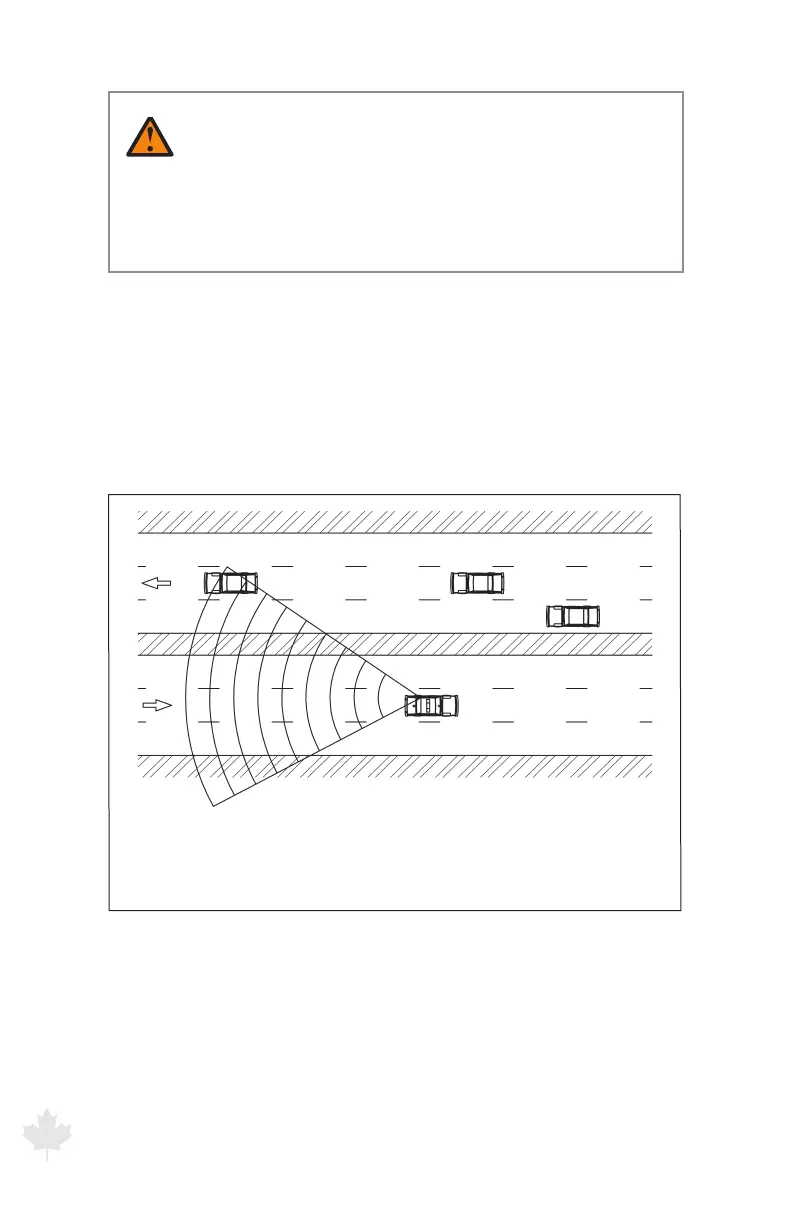
3.4 Moving Mode Opposite Direction
Use the G3™ in the Moving Mode Opposite Direction setting to
display the speed of a target moving in the opposite direction from
the moving patrol motor vehicle. These targets will be moving
towards the patrol (using the front antenna) or away from the patrol
(using the rear antenna).
Figure 3.4a
A patrol motor vehicle that is tracking a target motor vehicle with the rear antenna
while traveling with the radar unit in Moving Mode Opposite Direction
To select Moving Mode Opposite Direction, press the MODE button
until the OPP icon is illuminated.



 To Next Page