G3
™
User’s & Installation Manual
7/October/2020
39
4.2 Indicator Lights
FAST: The FST icon light is used to indicate when the radar is in faster
or fastest mode. Pressing the FASTER button again will return the
unit to normal operation and the FASTER light will shut o.
Figure 4.2.1a
The Fast light
ANT FRONT and REAR: Indicates which antenna is transmitting. In
standby mode (not transmitting), neither light is on. LED icon FNT
identies the FRONT ant while LED icon RER identies the REAR ant.
Figure 4.2.1b
Antenna lights
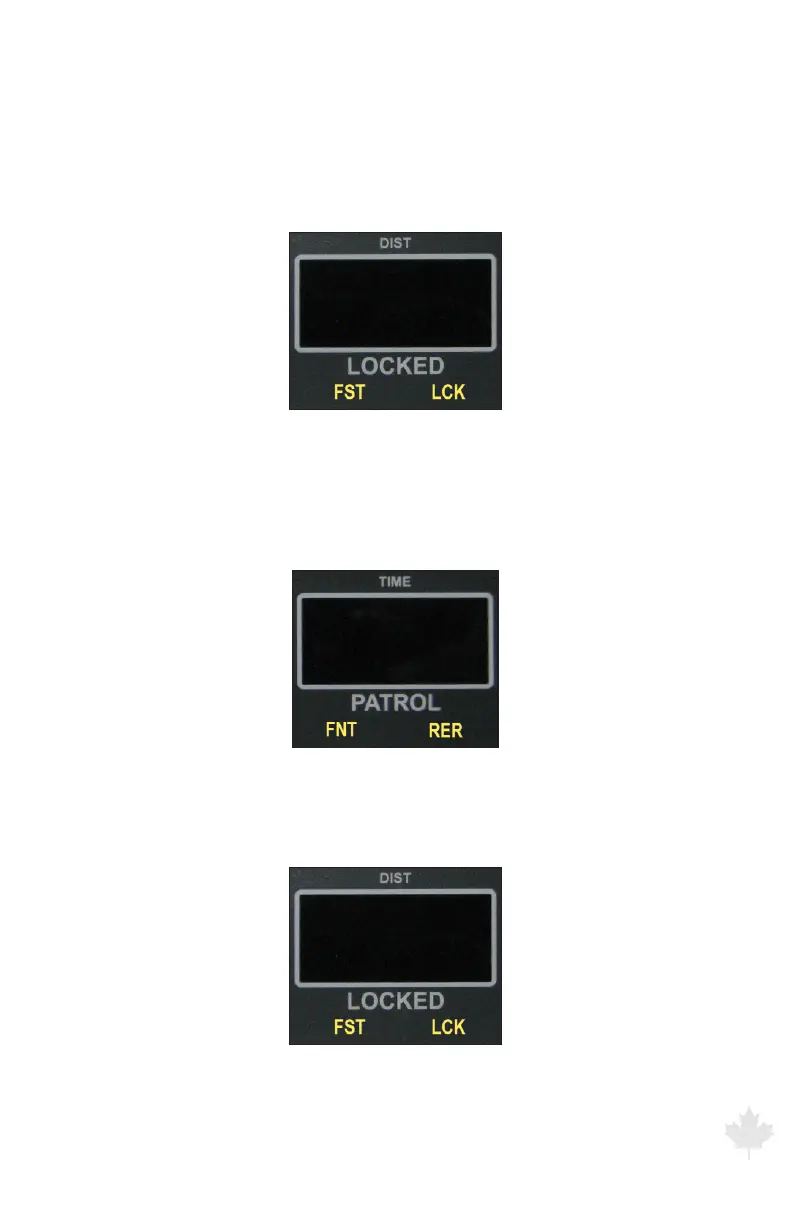
LCK: Indicates when a target speed has been locked into the locked
window.
Figure 4.2.1c
Lock indicator



 To Next Page