G3
™
User’s & Installation Manual
7/October/2020
16
Antenna connector
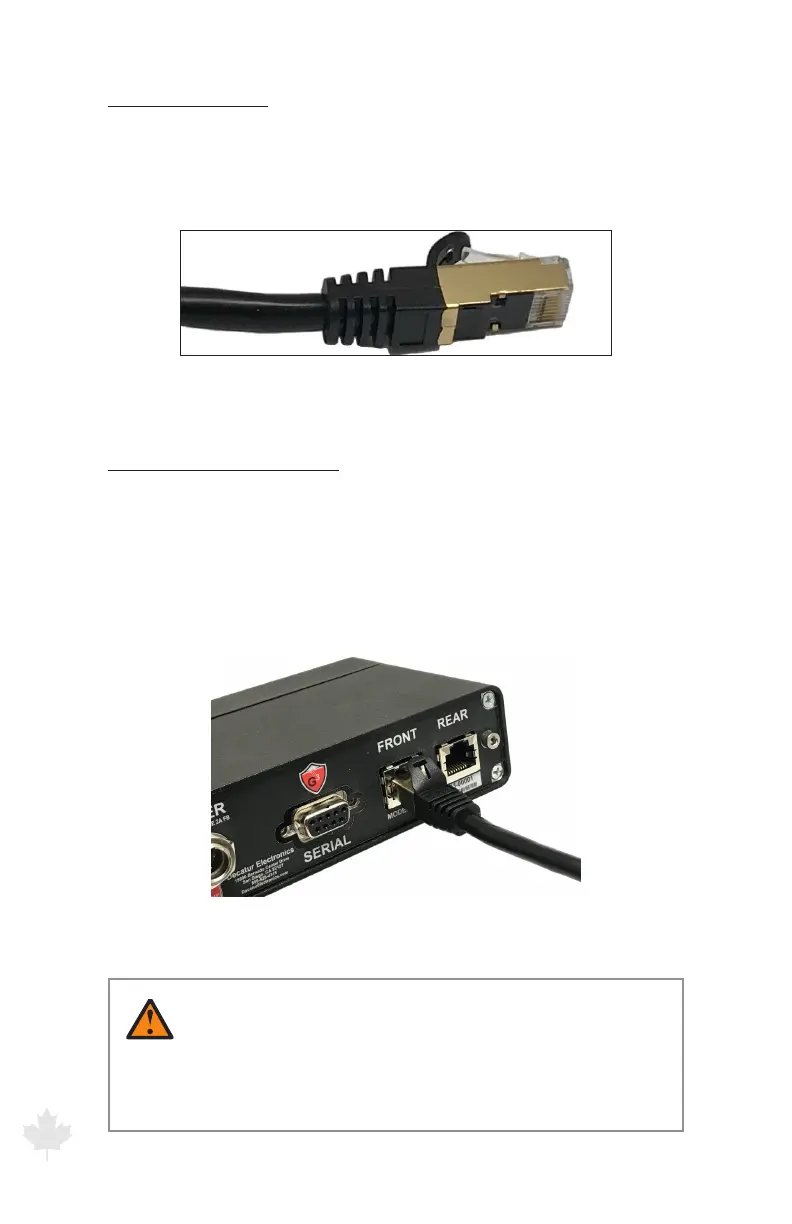
The antennas are connected to the computer unit with a CAT 7
shielded Ethernet cable. Either end of the cable can be used to
connect to the antenna or computer unit.
Figure 2.2c
Cable connector that plugs into the antenna.or computer unit
To attach an antenna cable:
1. Align the antenna cable Ethernet connector with the receptacle.
2. Push the connector into the receptacle until you hear a click.
3. To remove the connector, press down on the top cable plug latch
and pull apart.
Figure 2.2d
Align the latch on the top of the Ethernet plug with
the notch on the computer Ethernet receptacle.
WARNINGS
• Onlyusefactoryauthorizedantennacables.
Substitution of non-authorized cables can aect the
operation of the G3™



 To Next Page