Genesis II Select
™
User’s & Installation Manual
16/September/2015
15
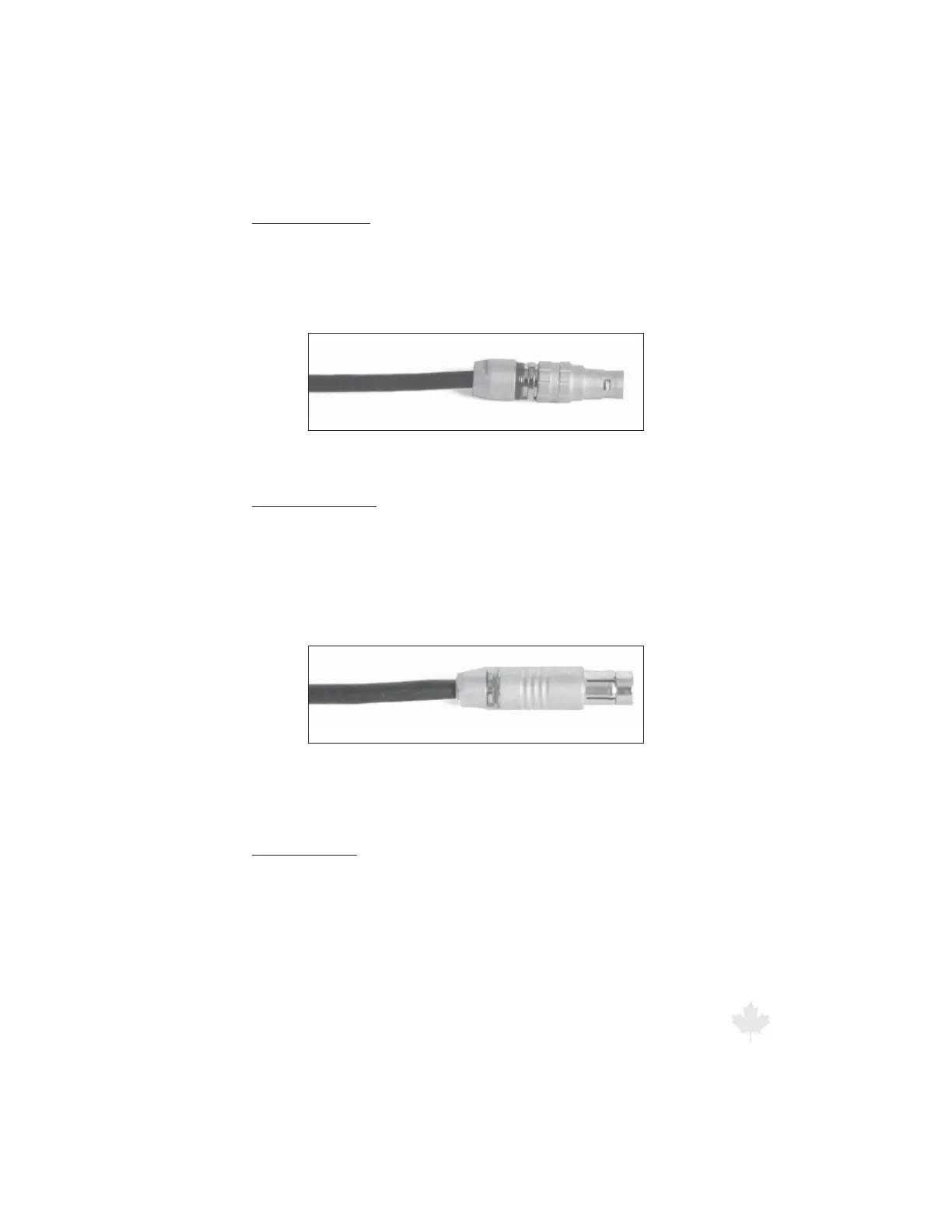
Remote connector
The hand-held remote has two connectors, one that plugs into the
remote and one that connects to the back of the computer unit.
While both connectors are the same, the connector with the strain
relief boot typically connects to the hand-held remote.
Figure 2.2d
Cable connector that plugs into the
computer unit has no boot.
Antenna connector
The antenna cable uses two dierent connectors. One connector
plugs into the antenna and has a more smooth nish than the
connector that plug into the unit. It is important that the right
connector be plugged into the right receptacle or damage to the
connector or receptacle may result.
Figure 2.2e
Cable connector that plugs into the antenna.
To remove a cable, grasp and pull the connector.
Serial connector
On the back of the computer unit there is a female DB-9 connector
marked “serial” that allows you to connect the Genesis II Select™
to other devices (i.e. display signs, in-car video, PCs). To use this
RS232 serial connector you will need a communications cable. (A
communications cable for video and PC is not included. You can
order it from Decatur Electronics by calling 800.428.4315 or by
contacting your authorized dealer.)



 To Next Page