Genesis II Select
™
User’s & Installation Manual
16/September/2015
14
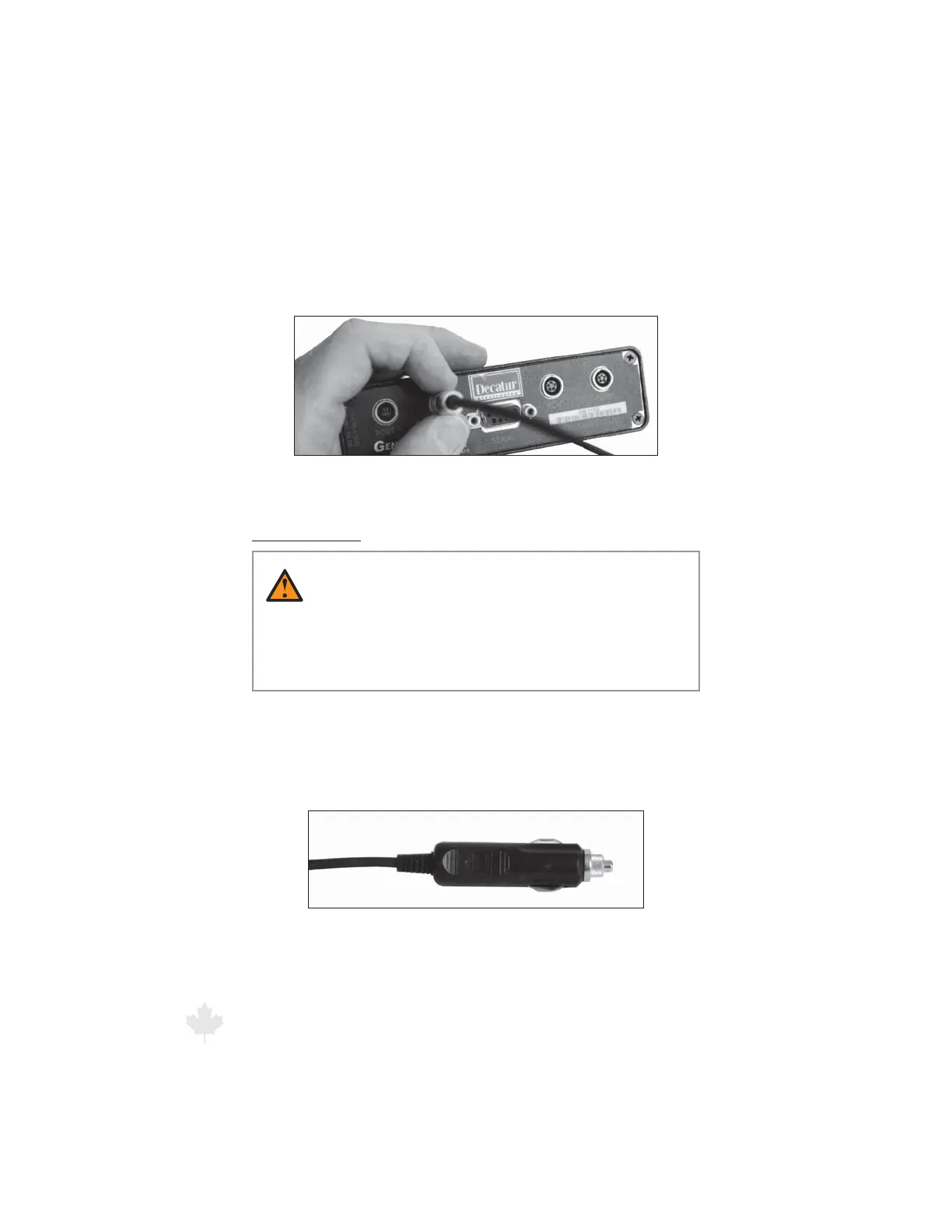
1. Align the red dot on the connector with the red dot at the top of
the receptacle.
2. Push the connector into the receptacle until you hear a click.
Figure 2.2b
Align the red dot on the connector with the red
dot on the computer receptacle.
Power connector
WARNING
t #FTVSFUPQMVHUIFDPOOFDUPSJOUPUIFDPNQVUFSVOJU
rst before plugging the power plug into the auxiliary
power source. If the power source is on, it can damage
the unit.
The power cable has a larger 12-volt power plug (cigar plug) on one
end. Make sure the plug ts securely in the motor vehicle’s auxiliary
power (cigarette lighter) receptacle.
Figure 2.2c
The cigar plug for the auxiliary power receptacle.



 To Next Page