29
SHUT DOWN
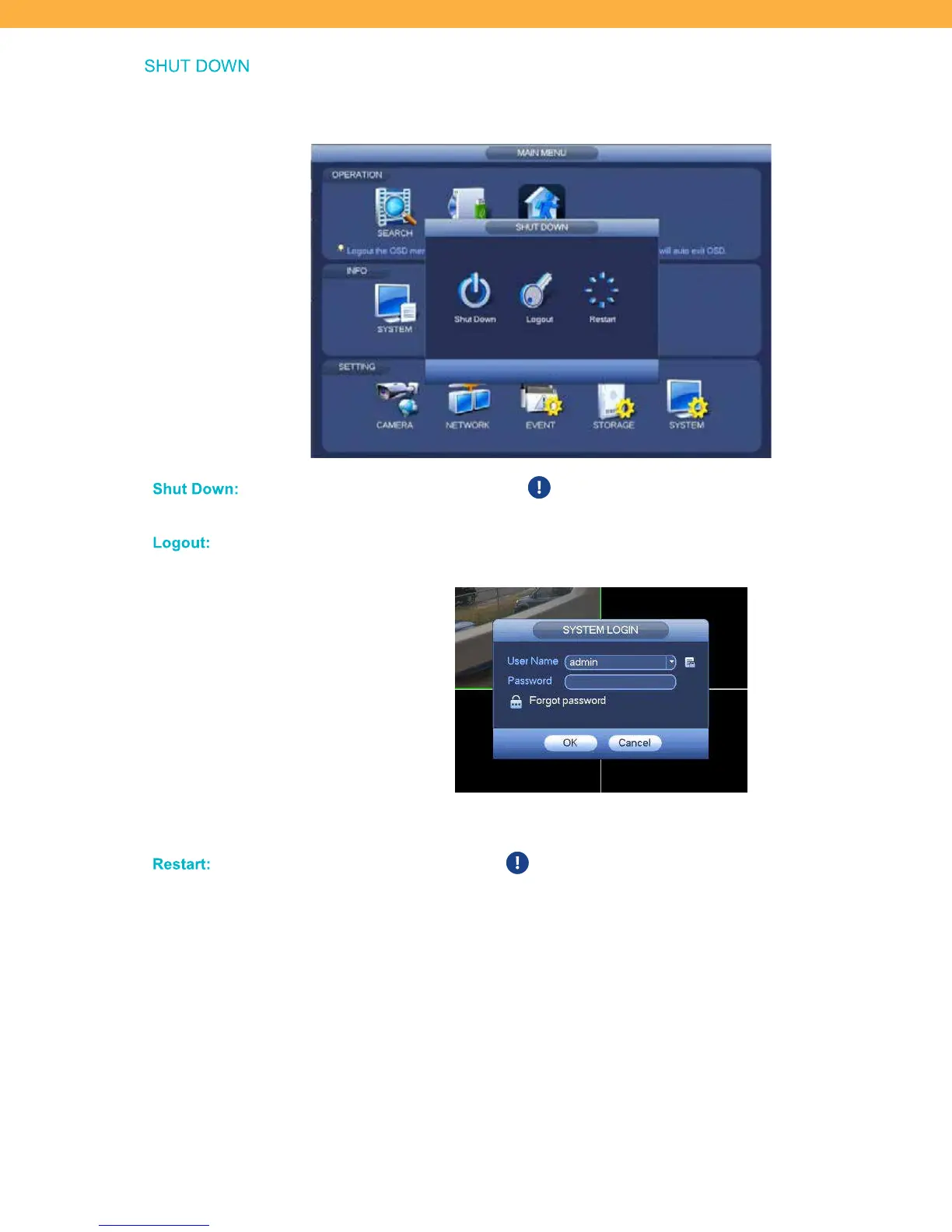
Logout of the On-screen Display (OSD) menu or restart the system. After idle for a specified time, the system
will auto exit the OSD.
Shut Do wn:
Click to power off the system. To turn the system back on you will need to
unplug the device and plug it back in.
Logout:
Click to logout and log back in as a different user. The system will be locked
except for the Live View screen.
To switch users from the Pattern screen – click Switch User
Rest art:
Click to restart the system. This will not launch the Setup Wizard – to
access the Setup Wizard you must select Factory Reset.



 To Next Page