26
Manua l:
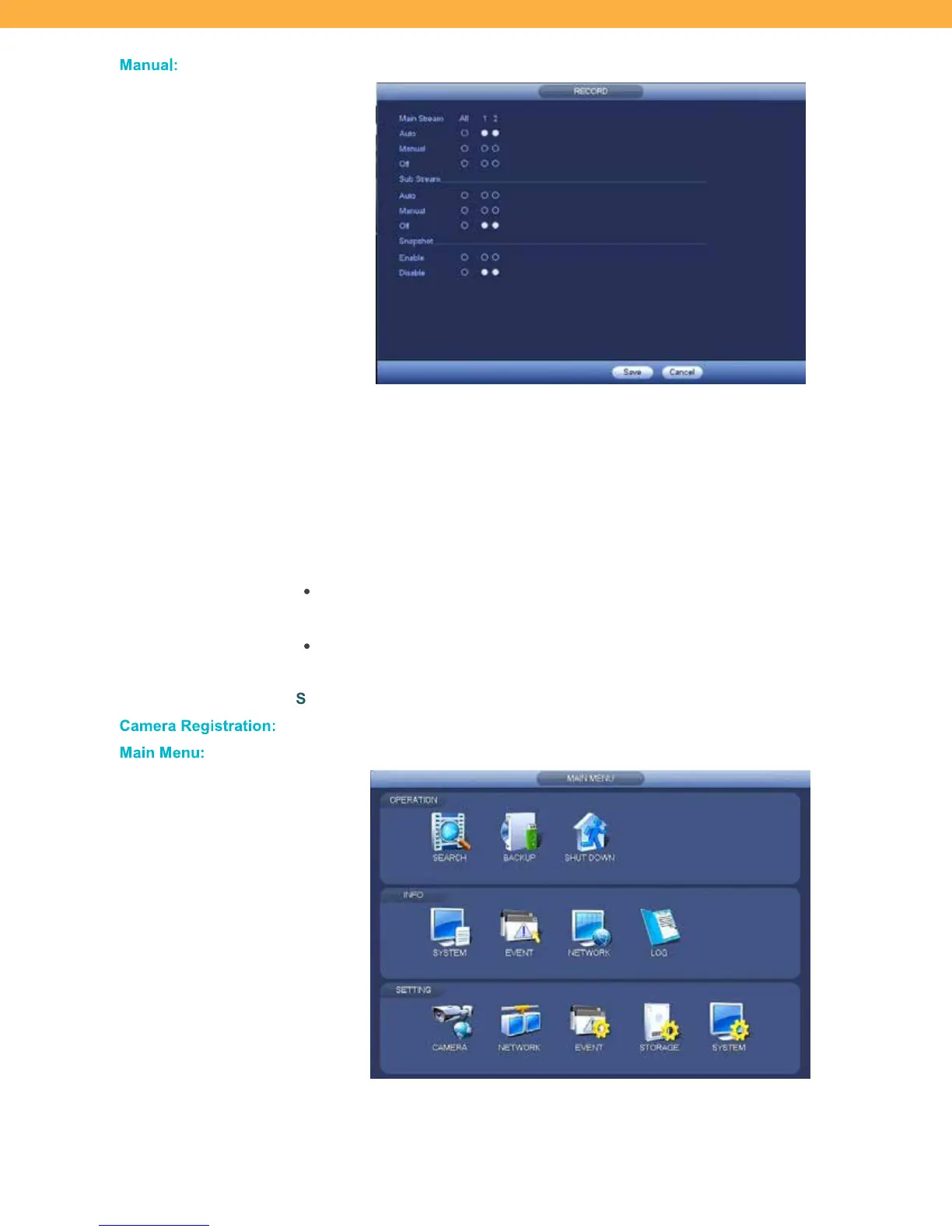
Click to open the Record resolution option screen.
MAIN STREAM: Select Auto to allow the system to use the default resolution setting
as the 1
st
choice when bandwidth availability is high. This will stream 2K resolution.
SUB STREAM: Select Auto to allow the system to use the default resolution setting
as a 2
nd
choice when bandwidth availability is low. The system will switch to Sub
Stream when bandwidth is low to ensure connectivity is not lost.
SNA
PSHOT: Determine if the Snapshot schedule/feature should be on or off when
bandwidth is low.
If Manual is selected the system will stop recording until a selection is manually
added when bandwidth availability changes.
If Off is selected the system will stop recording when bandwidth availability
changes.
SAVE: Select to apply your settings.
Ca mera Re gis tration:
Click to open the Camera Registration – Camera Setup screen.
Main Menu:
Click to open the Main Menu section.



 To Next Page