14
Holiday Tab
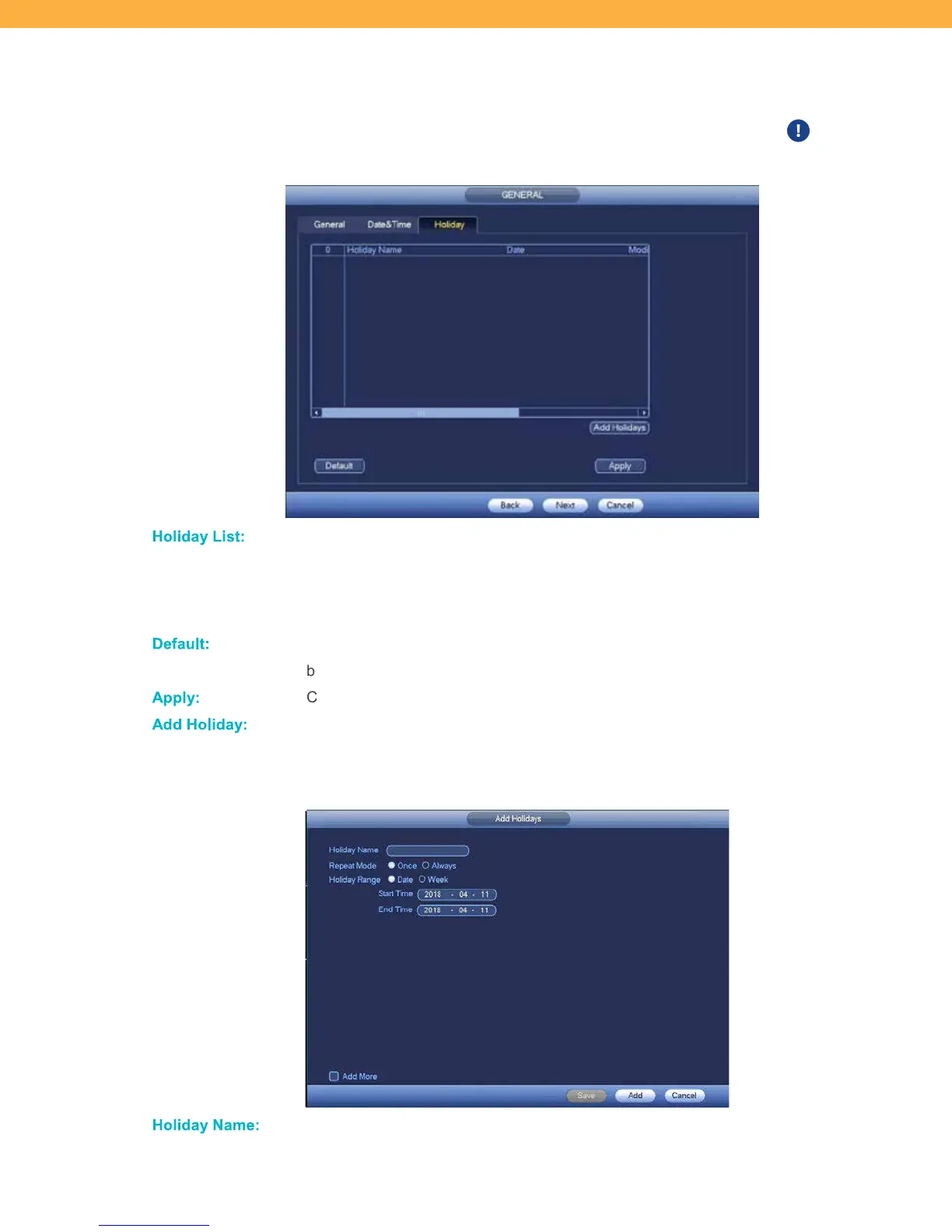
You can setup breaks in the recording schedule using the Holiday feature. When a holiday is setup the
system will stop recording during the dates entered and will resume when the holiday is over. Holidays
will override the regular Schedule setup.
Ho lid ay L ist:
HOLIDAY LIST: Name of the holiday (example: Weekdays)
DATE: Dates the system will not record.
MODIFY: Opens the Holiday setup screen.
STATUS: Use the drop down to turn the holiday off/on.
De fault :
Click to return the system to the default settings and remove any Holidays that have
been setup.
Apply:
Click to save the Holidays that have been setup.
Add Ho lid ay:
Click to open the Add Holidays screen.
Add Holiday
Ho lid ay Name:
Click the field to enter the name of the holiday.



 To Next Page