15
Re peat M ode :
Click to select how often the holiday will occur: Once or Always.
Ho lid ay R ange :
Click Date or Week to enter/select the duration of the holiday:
Date
Enter the Start/End dates for the holiday.
Week
Allows you to select the Start/End year, Month, Day, and Recurrence for the holiday.
Add M ore:
If selected the Add Holiday screen will remain when Add is selected to allow you
to enter another holiday. If not selected the Holiday List screen will show when Add
is selected.
Add:
Click to save the holiday details and add it to the Holiday List screen.
Ca ncel:
Click to exit the Add Holiday screen and return to the Holiday List screen without
saving.
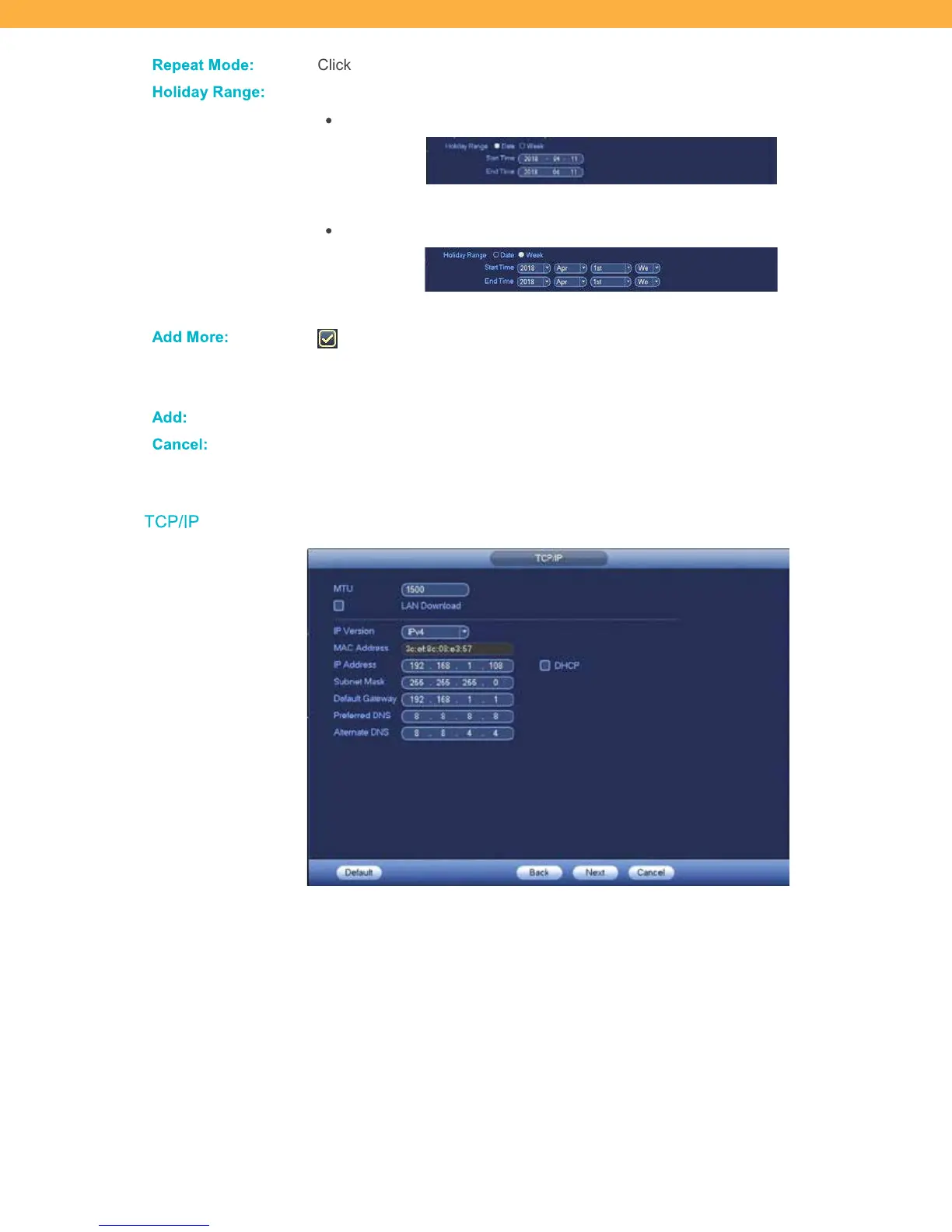
TCP/IP
These are your network default settings and do not need to be changed. For more details on your TCP/IP
and Network settings see section 10 Main Menu & Advanced Setup for details.



 To Next Page