16
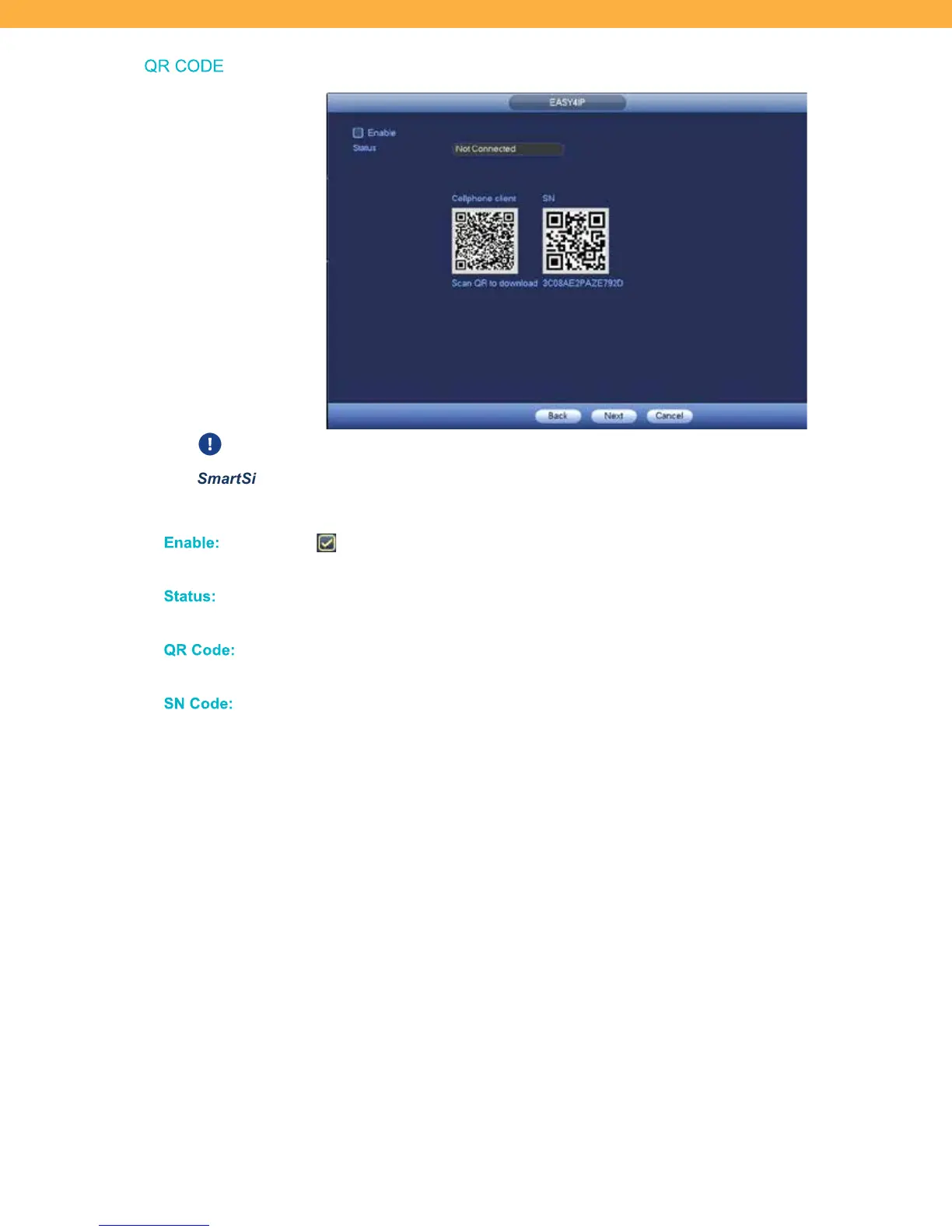
QR CODE
The Mobile App Account must be setup before using the screen. See the Defender
SmartSignal Manual for details.
Enable :
When selected the system will allow the Mobile App to connect. If not selected
the Mobile App will not be compatible with the system and cannot be used.
Status :
If the Mobile App has not been setup the Status will be Not Connected. Once the
Mobile App is setup the Status change to Connected.
QR Code :
Use the QR Code to scan from your mobile device to open the app store. To setup
the mobile app see the 2K App Manual.
SN Code:
Scan this code from within the Mobile App during setup. This QR Code is also
available on the top corner of the NVR.



 To Next Page