39
NETWORK
Set network parameters: IP address subnet mask, default gateway, TCP/IP ports.
The TCP/IP and SMARTSIGNAL sections are covered in the Setup Wizard – see section 9.2 for details.
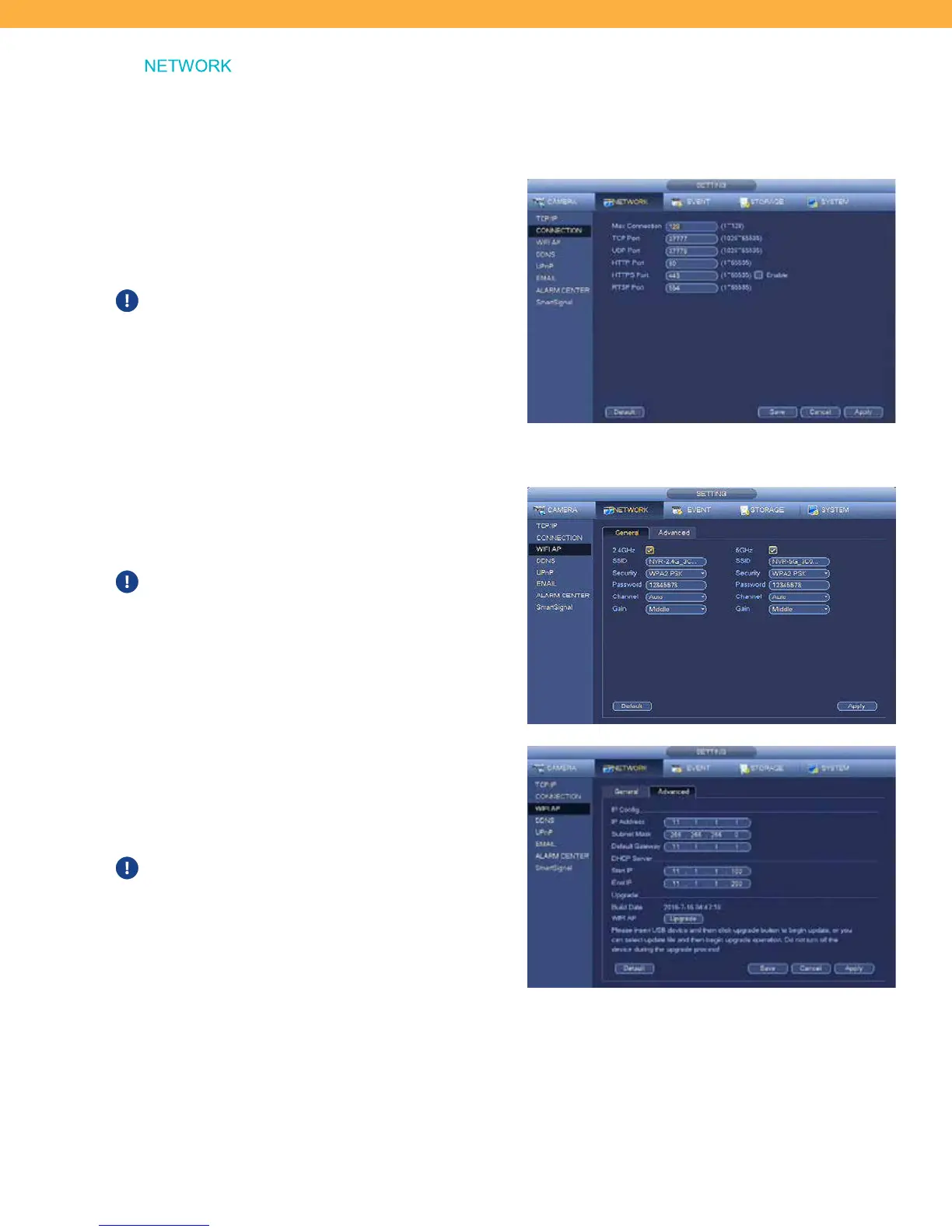
CONNECTION
Your Connection setting are automatically applied
based on the network and Internet connection.
These settings do not need to be changed.
These setting relate to the Ports used by your system
for Internet connections.
WIFI AP
General Tab
These are the access settings for your network.
These settings do not need to be changed.
Advanced Tab
The IP Config settings are automatically applied
based on your Internet connections setting.
These settings do not need to be changed.



 To Next Page