54
STORAGE
HDD data management.
The SCHEDULE section is cover in the Setup Wizard – See section 9.2 for details.
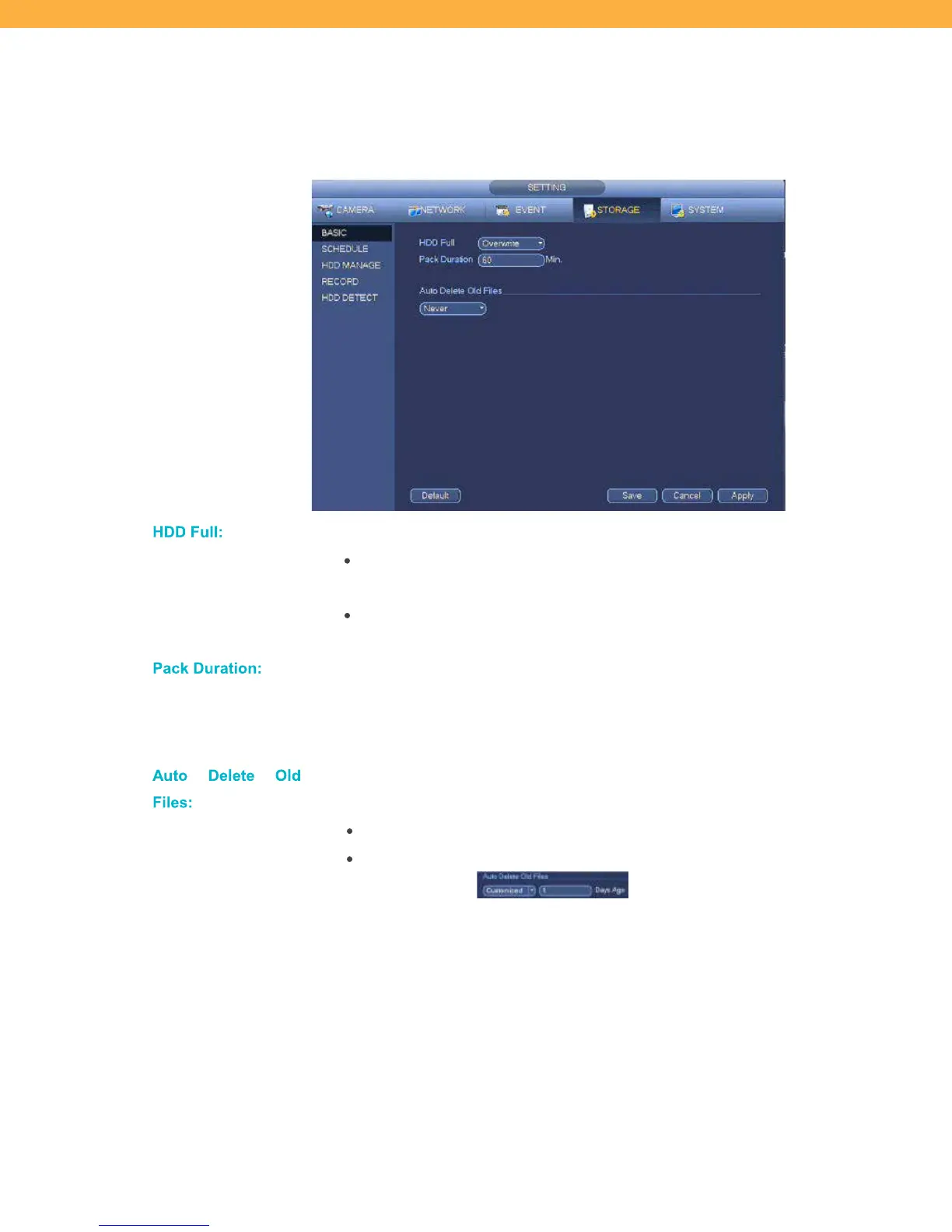
BASIC
Click the field to select from the available options:
Overwrite – the system will continue to record over the oldest footage
when the hard drive is full
Stop Recording – the system will stop recording until space is made
available on the hard drive
This is the length of each video file when footage is saved to a USB drive. Motion
events shorter than the pack duration are not affected when playback is selected.
The default for this option does not need to be changed. The default for this option
does not need to be changed.
Files:
Click the field to select from the available options for when the system will auto
delete older files from the hard drive.
Never – the system will not auto delete old files
Customized – the system will delete old files based on the number of days
ago you enter



 To Next Page