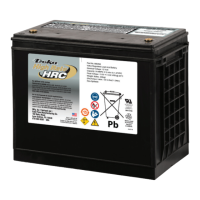
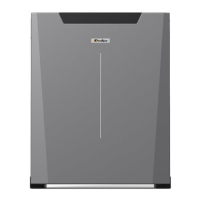
DEKA DURATION DD5300
42
2.5.5 LED Bar Indications
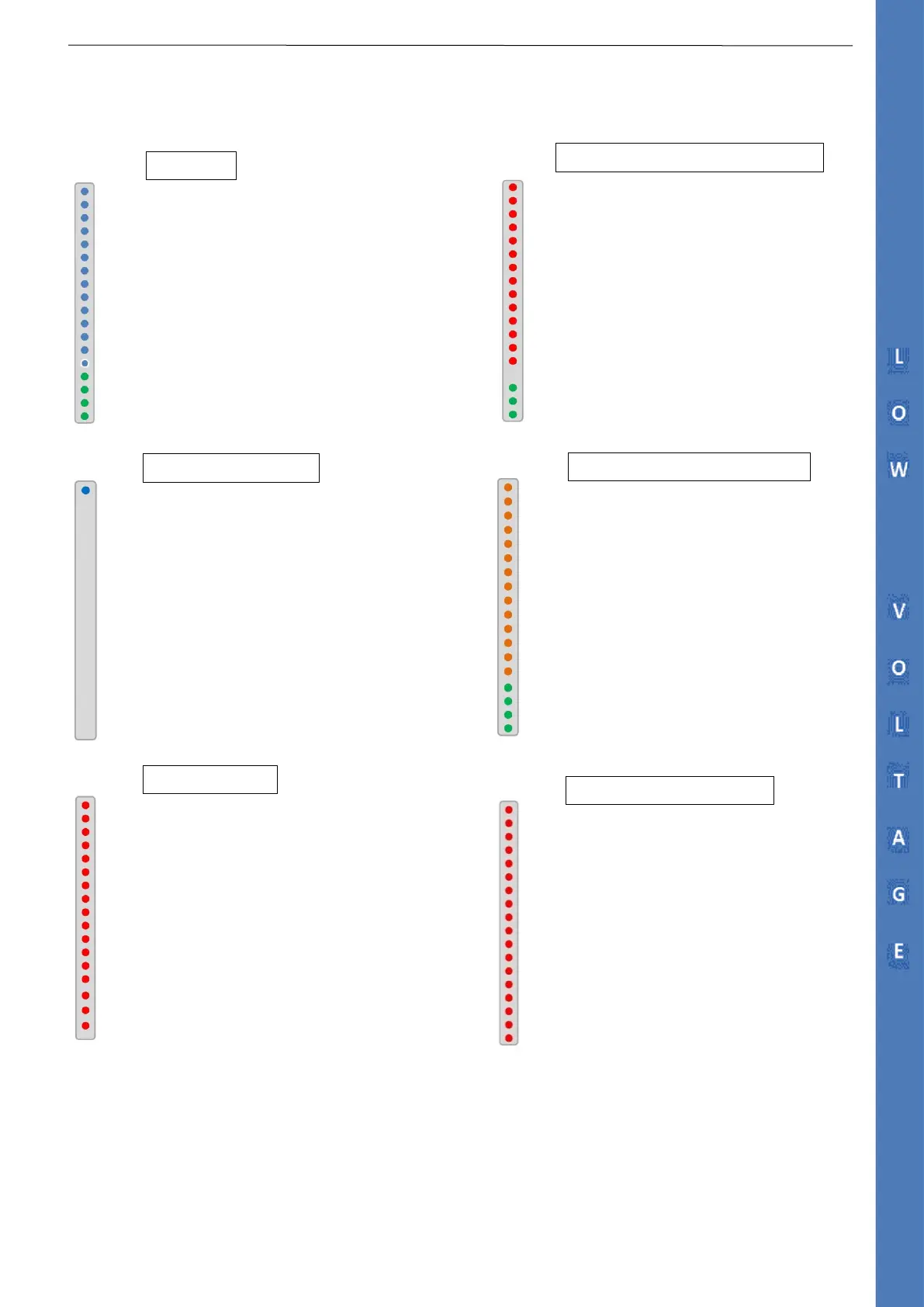
The LED bar is located on the front of the battery and is to be used as a visual indication.
After any major event that causes the BMS safety intervention, the BMS logic will allow four reconnection attempts,
the first, after 4 minutes. If the same condition occurs again, the next three attempts will be every 4 hours for a maximum of 48 hours.
Warning Indicator ( Most of the time switched off)
SOC 81-100%
SOC 31-80%
SOC 6-30%
SOC< 5%
1- LED BAR Check. All the Blue LED will blink for 5 seconds
2- SOC GREEN LED will appear to indicate actual SOC
1- If the temperature rises above the BMS limits, the contactor opens
2- The LED BAR will start blinking in RED color
Warning Indicator
SOC 81-100%
SOC 31-80%
SOC 6-30%
SOC< 5%
1- During the firmware upgrade the first blue LED is active for the entire upgrade
process
2- When the upgrade process has been completed the LED BAR will turn to normal
1- If the voltage difference between modules is above 2V, all LED in
orange color
Warning Indicator
SOC 81-100%
SOC 31-80%
SOC 6-30%
SOC< 5%
1- Wrong Voltage reading or any abnormal reading
2- All the LED BARS will remain fixed RED color
3- The warning indicator will blink in RED color every 0.5 Sec
4- The SOC indicator Is not displayed
1- If the current exceed the BMS limit
2- If the voltage exceeds the BMS limits (High or Low)
3- The full LED bar blinks in RED Color
4- The SOC Indicator is not displayed


 To Next Page