page 67
06_Uso_en.fm
Use
Bisky
Second page
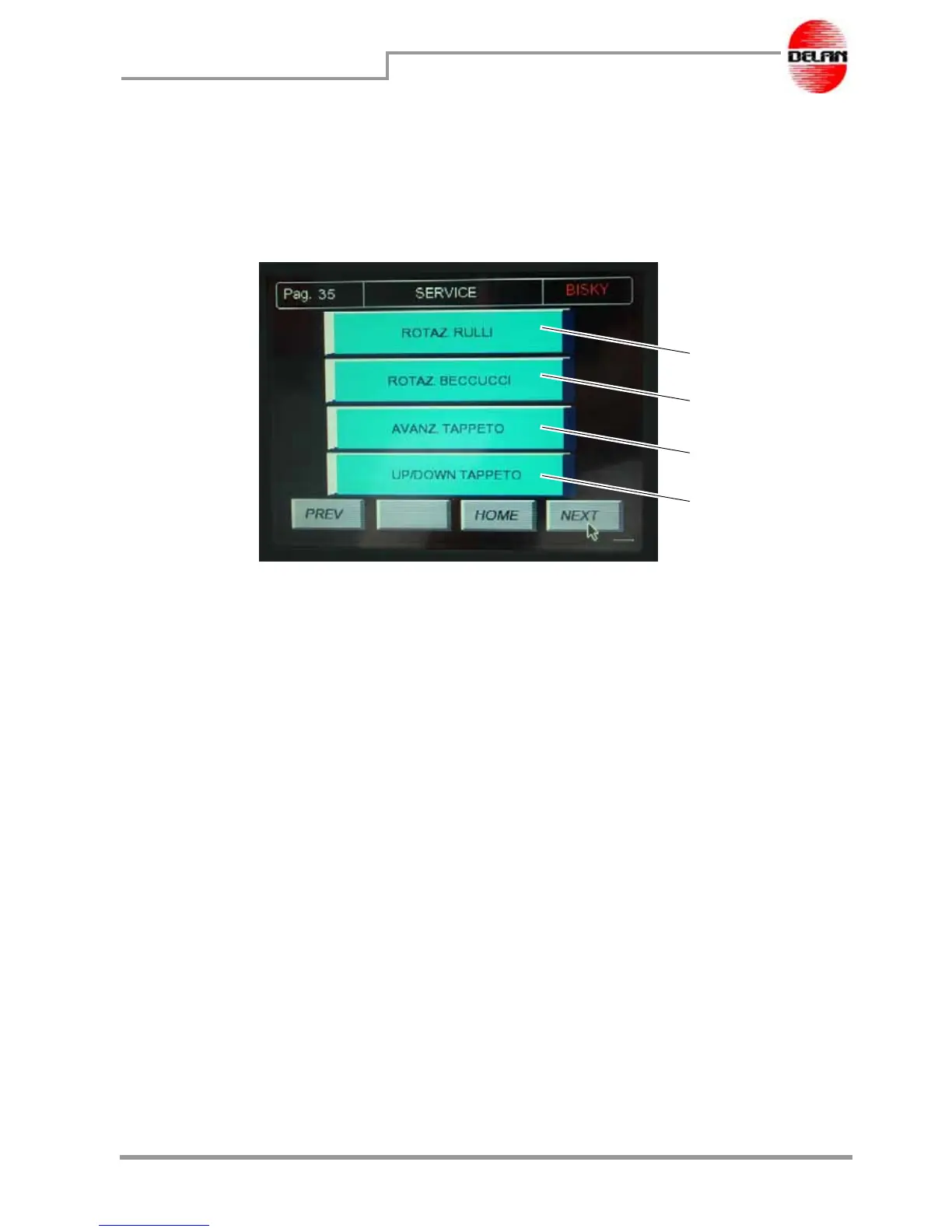
Press button Next to display the following page:
Press button 1 to command the rotation of the rollers. This function is used at the beginning
of the processing to fill up the chamber between the rollers and the head in order to obtain
a perfect dough extrusion from the beginning.
Press button 2 to command the rotation of the nozzles so as to set and make them start
working.
Press button 3 to move the conveyor forward and insert or unload the tray present.
Press button 4 to raise or lower the conveyor.
1
2
3
4



 To Next Page