page 68
06_Uso_en.fm
Use
Bisky
6.10 Recipe management pages
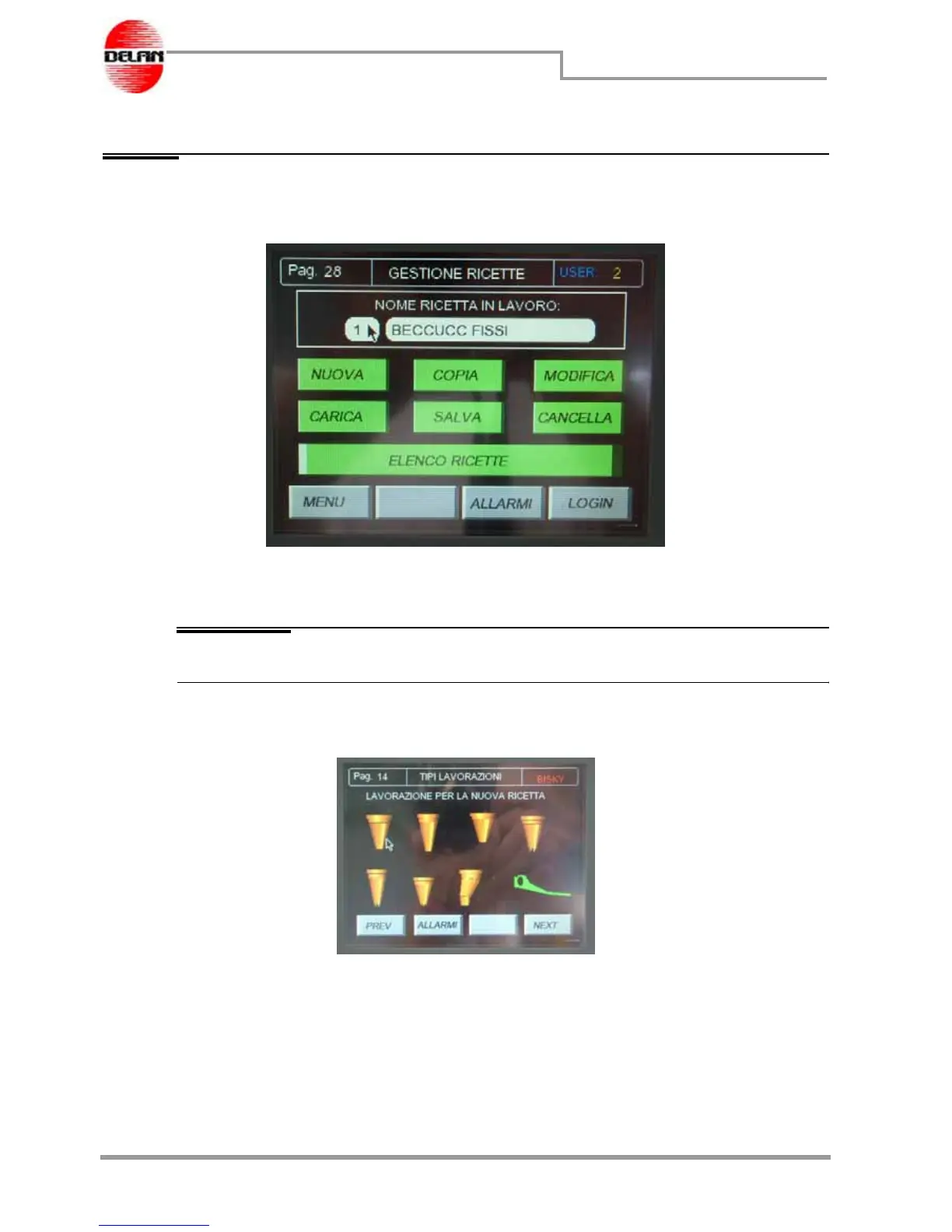
From the main page press the Recipe button and the display will show the following page:
Use the buttons present to insert, copy, modify, load, save or delete a recipe; with the List
button you can display all the recipes stored in the machine's database.
NOTE The machine's database can store up to a maximum of 100 recipes.
New recipe
This button allows a new recipe to be created.
The page with all the possible types of processing is displayed.
The various types of processing are represented by some animations of the respective
devices.



 To Next Page