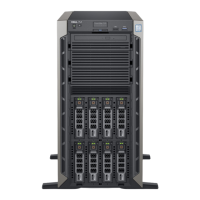
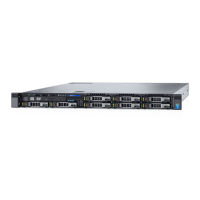
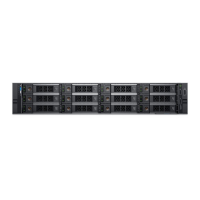
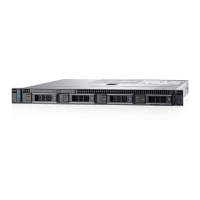
Figure 30. Installing a drive carrier
Next step
1 If removed, install the front bezel.
Removing the drive from the drive carrier
Prerequisite
Follow the safety guidelines listed in Safety instructions.
CAUTION
: Mixing drives from previous generations of PowerEdge servers is not supported.
Steps
1 Using a Phillips #1 screwdriver, remove the screws from the slide rails on the drive carrier.
2 Lift the drive out of the drive carrier.
74
Installing and removing system components


 To Next Page
 Loading...