cables, keep them evenly aligned to avoid bending the connector pins. When connecting cables, ensure that the ports and
the connectors are correctly oriented and aligned.
CAUTION: Press and eject any installed card from the media-card reader.
CAUTION: Exercise caution when handling Lithium-ion batteries in laptops. Swollen batteries should not be used and
should be replaced and disposed properly.
NOTE: The color of your computer and certain components may appear differently than shown in this document.
Recommended tools
The procedures in this document may require the following tools:
● Phillips screwdriver #1
● Plastic scribe
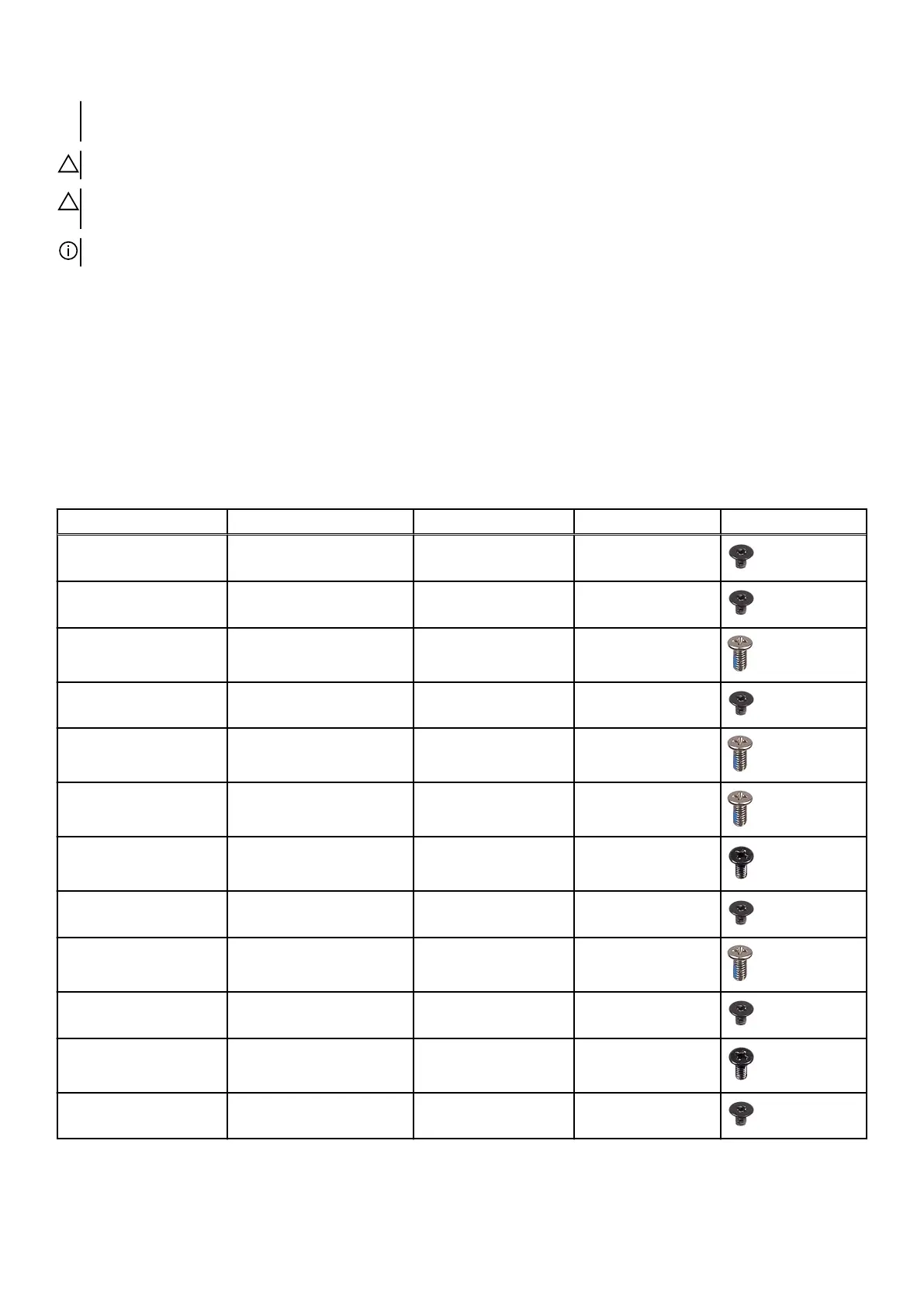
Screw list
Table 1. Screw list
Component Secured to Screw type Quantity Screw image
Wireless card Computer base M2x3 1
Solid-state drive Computer base M2x3 1
Rear-I/O cover Palm-rest assembly M2.5x6L 2
Computer base Palm-rest assembly M2x3 1
Computer base Palm-rest assembly M2.5x6L 11
Computer base Palm-rest assembly M2.5x6L 2
Heat-sink assembly System board M2x3 7
Touch-pad bracket Palm-rest assembly M2x3 5
System board Palm-rest assembly M2.5x6L 2
Speaker Palm-rest assembly M2x3 1
Power-button board Palm-rest assembly M2x3 2
Keyboard bracket Palm-rest assembly M2x3 8
9












 To Next Page