026
026
/
CHAPTER 5: MEMORY MODULE(S)
Removing Memory Module(s)
Follow the instructions in “Before You Begin” on page 1. 6.
Lift the release panel and open the left side-panel.2.
Locate the memory-module connectors on the system board (see “System 3.
Board Connectors“ on page 11).
CAUTION: e memory module(s) may become very hot during normal
operation. Allow the memory module(s) to cool before touching them.
NOTE: For better access to the memory module(s), remove the graphics
card if the card is full length (see “Removing PCI and PCI Express Cards”
on page 31).
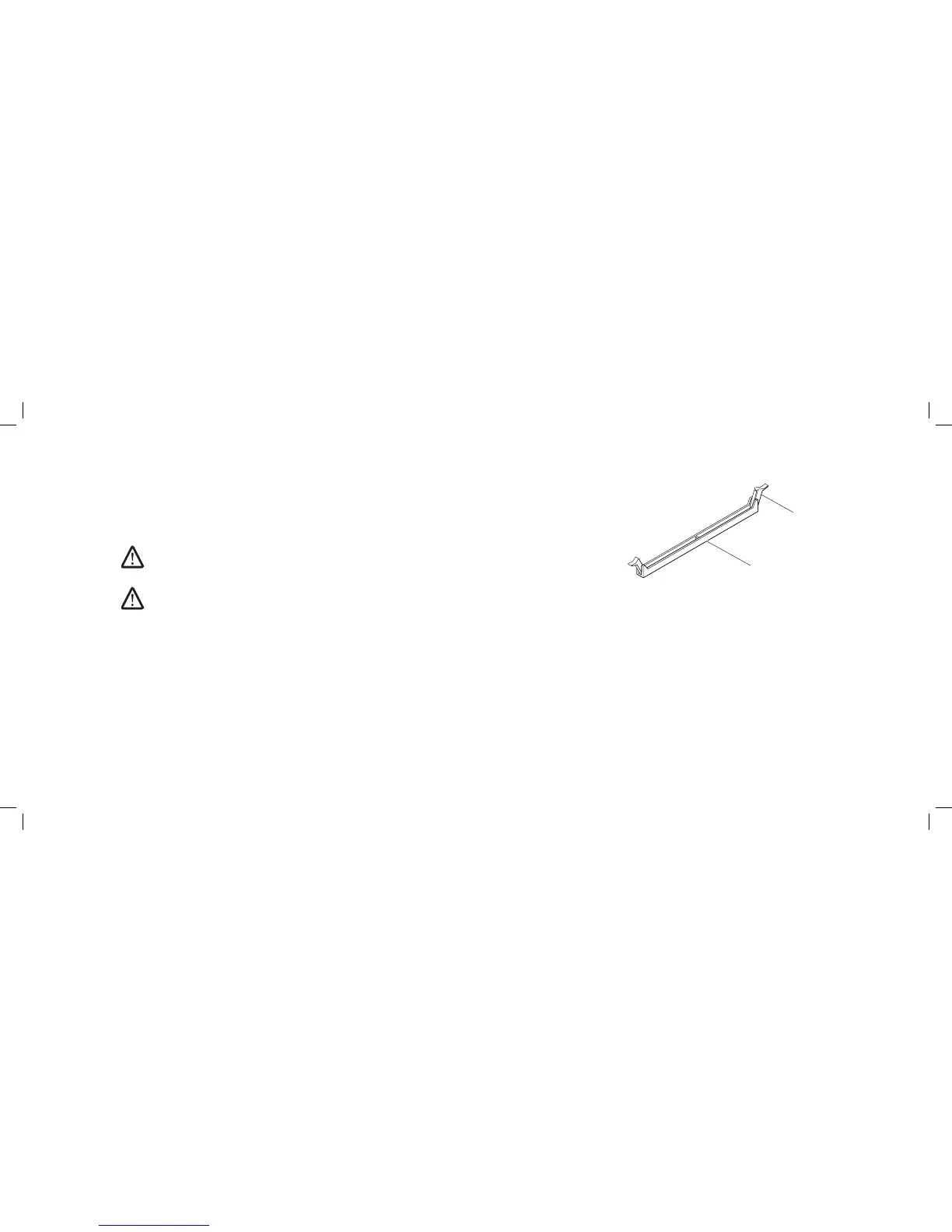
Press out the securing clip at each end of the memory-module connector. 4.
Lift the memory module o the memory-module connector. If the memory 5.
module is difcult to remove, gently ease the memory module back and
forth to remove it from the memory-module connector.











 To Next Page