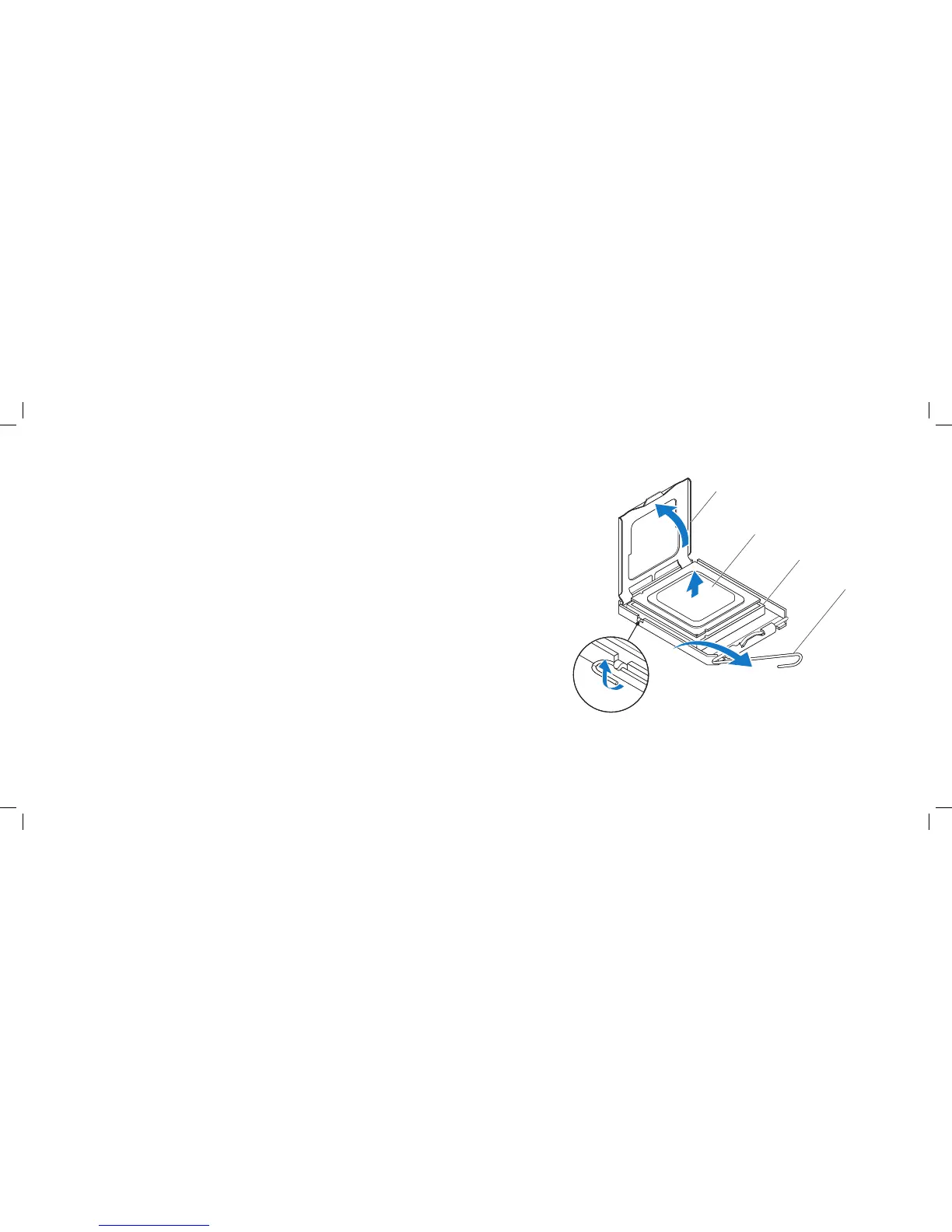
1 processor cover 3 socket
2 processor 4 release lever
Removing the Processor
Follow the instructions in “Before You Begin” on page 1. 6.
Remove the left side-panel (see “Removing the Left Side-Panel” on page 2. 15).
Remove the PCI shroud (see “Removing the PCI Shroud“ on page 3. 22).
Remove the liquid-cooling assembly (see “Removing the Liquid-Cooling 4.
Assembly” on page 68).
Press and push the release lever down and out to release it from the tab 5.
that secures it.
Open the processor cover and gently lift the processor to remove it from the 6.
socket.











 To Next Page