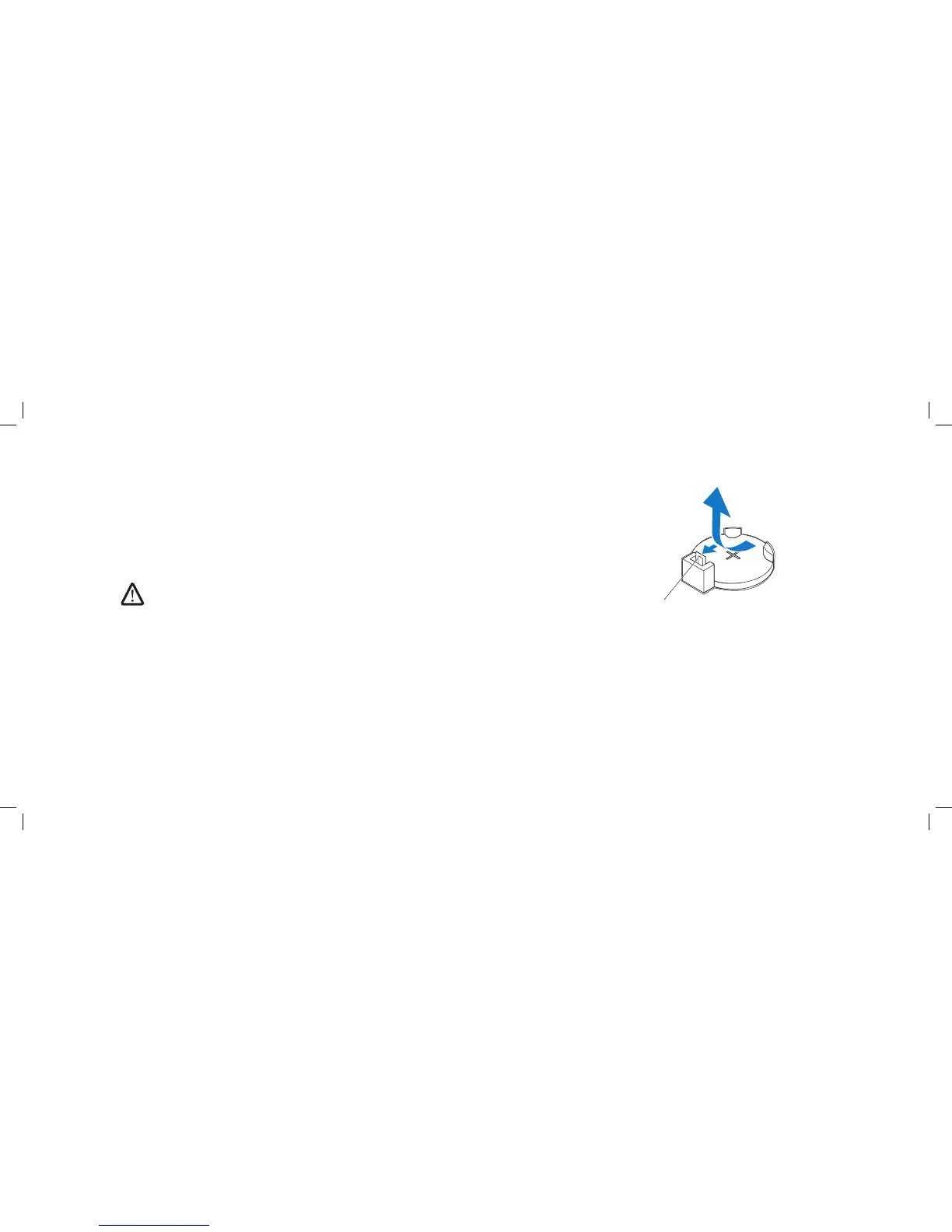
1 battery-release lever
Removing the Coin-Cell Battery
Record all the screens in system setup (see “System Setup” on page 1. 93) so
that you can restore the correct settings after the new battery has been
installed.
Follow the instructions in “Before You Begin” on page 2. 6.
Lift the release panel and open the left side-panel.3.
Remove the PCI shroud (see “Removing the PCI Shroud“ on page 4. 22).
Locate the battery socket (see “System Board Components” on page 5. 11).
CAUTION: If you pry the battery out of its socket with a blunt object,
be careful not to touch the system board with the object. Ensure that
the object is inserted between the battery and the socket before you
attempt to pry out the battery. Otherwise, you may damage the system
board by prying o the socket or by breaking circuit traces on the system
board.
Press the battery-release lever to remove the battery. 6.











 To Next Page