059
059
/
CHAPTER 11: TOP I/O PANEL
Removing the Top I/O Panel
Follow the instructions in “Before You Begin” on page 1. 6.
Remove the left side-panel (see “Removing the Left Side-Panel” on page 2. 15).
Remove the right side-panel (see “Removing the Right Side-Panel” on 3.
page 16).
Remove the front bezel (see “Removing the Front Bezel” on page 4. 46).
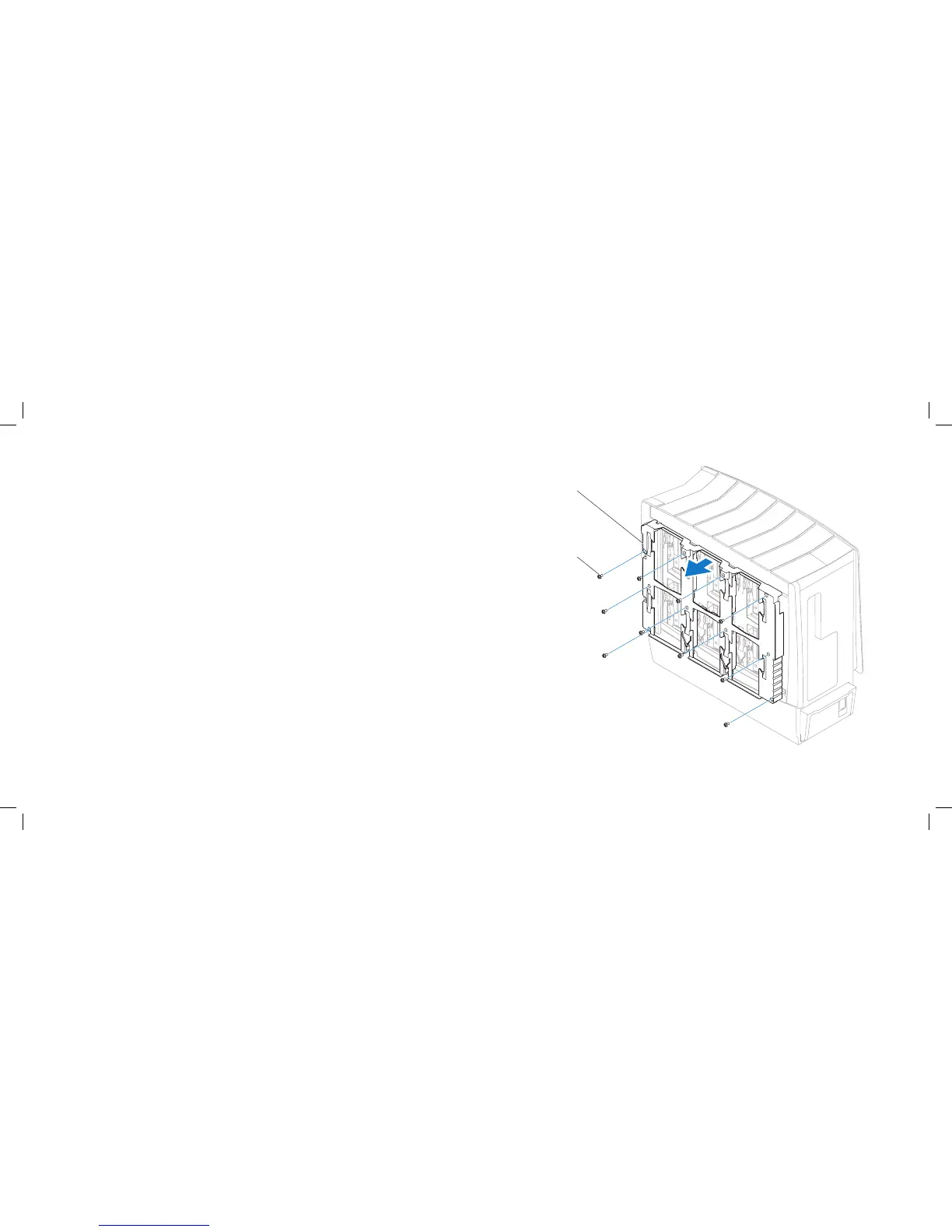
Remove the ten screws that secure the hard-drive shroud to the chassis.5.
Pull to remove the hard-drive shroud o the chassis.6.











 To Next Page